
Before you start
Prerequisites and permissions
Have ready
- An active account and a connection.
Access rules
- Your role and plan must allow this page and the action you want to take. Ask the Owner if access is missing.
Where to find it
Navigation map
- Automations
- Settings → Automations
Walkthrough
Step by step
In each picture, the outlined area is what to look at.
- 01
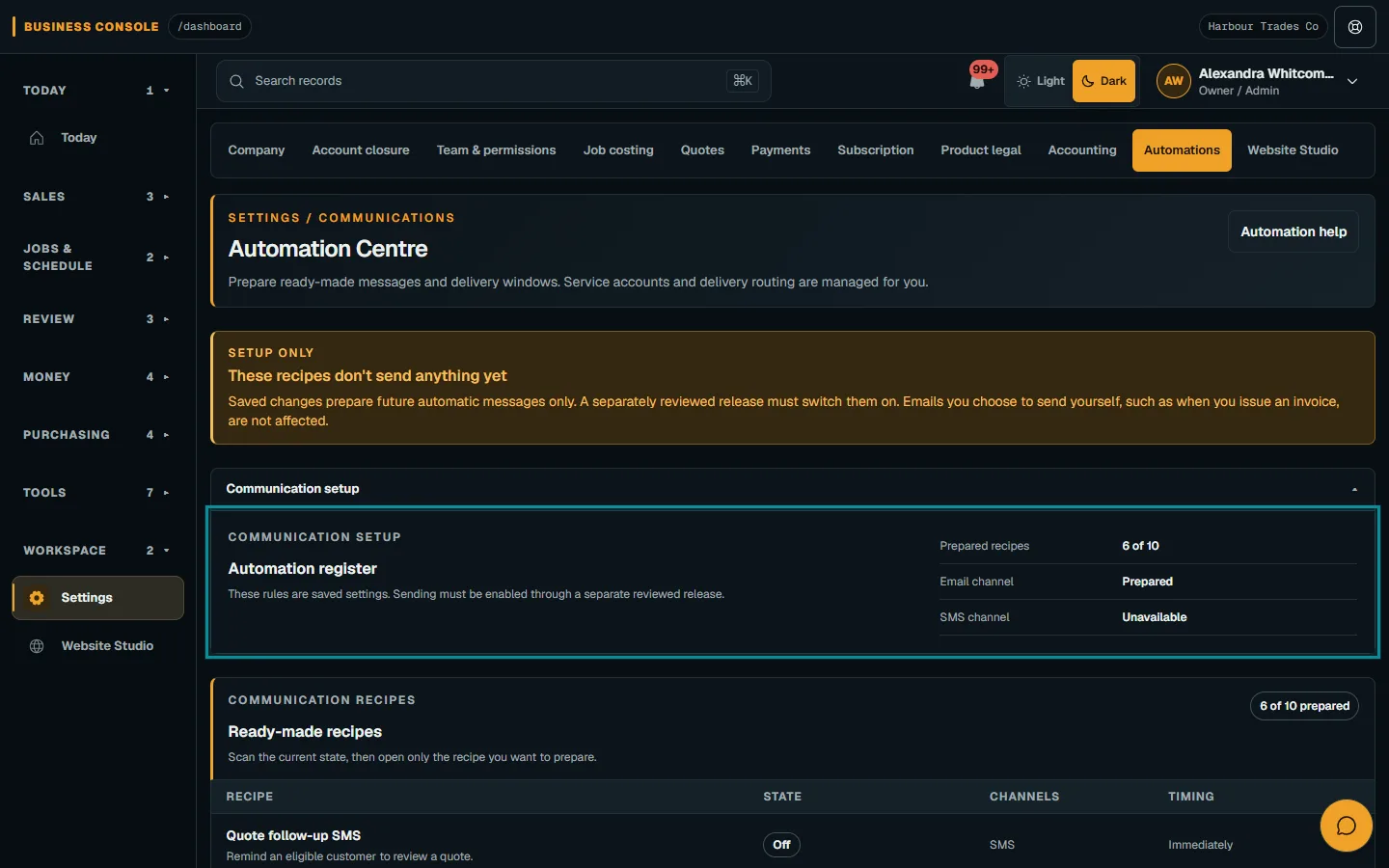
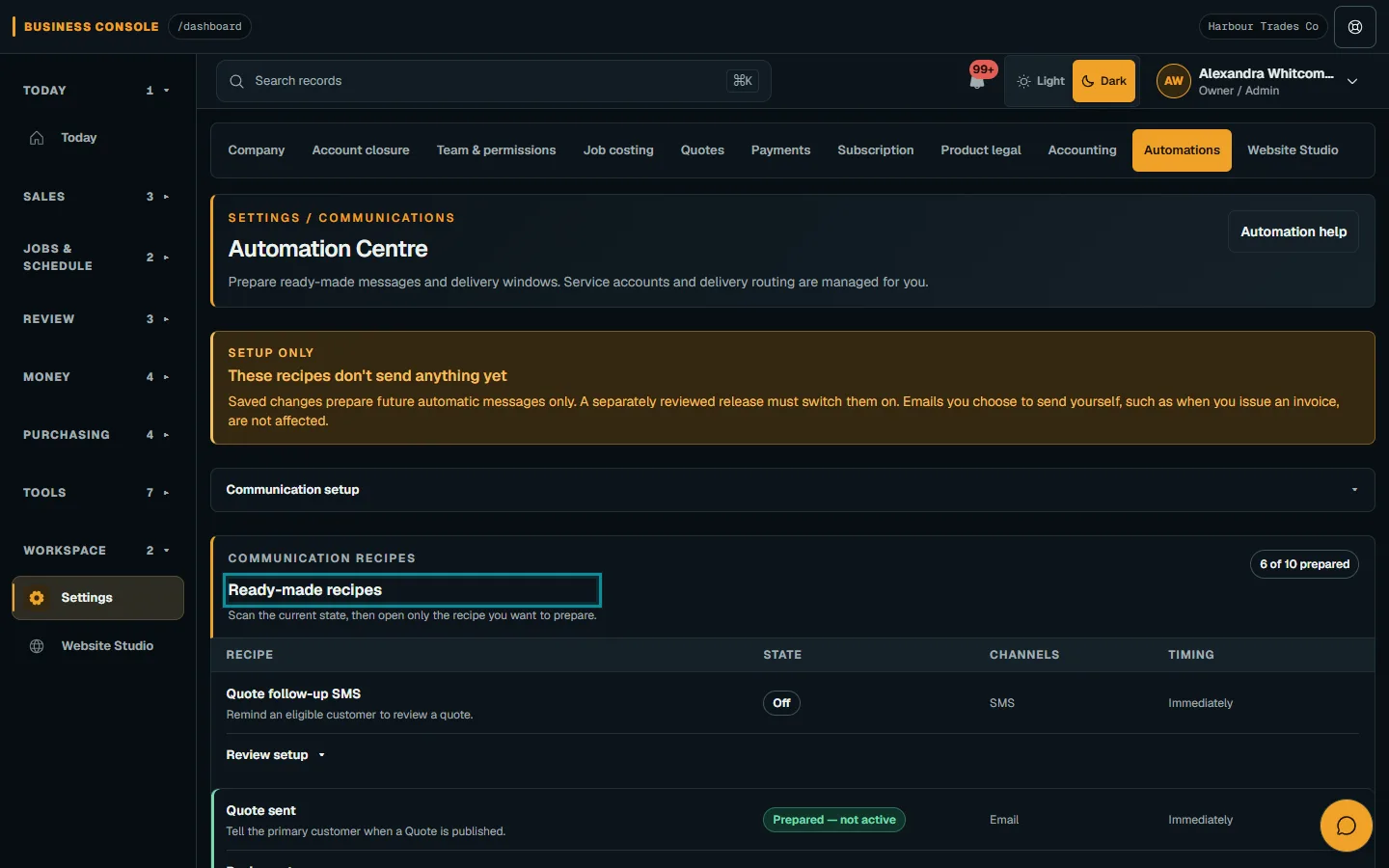
Review the automation register
Open Business settings → Automations. The register shows recipes and delivery information available under your settings, plan and customer contact choices.
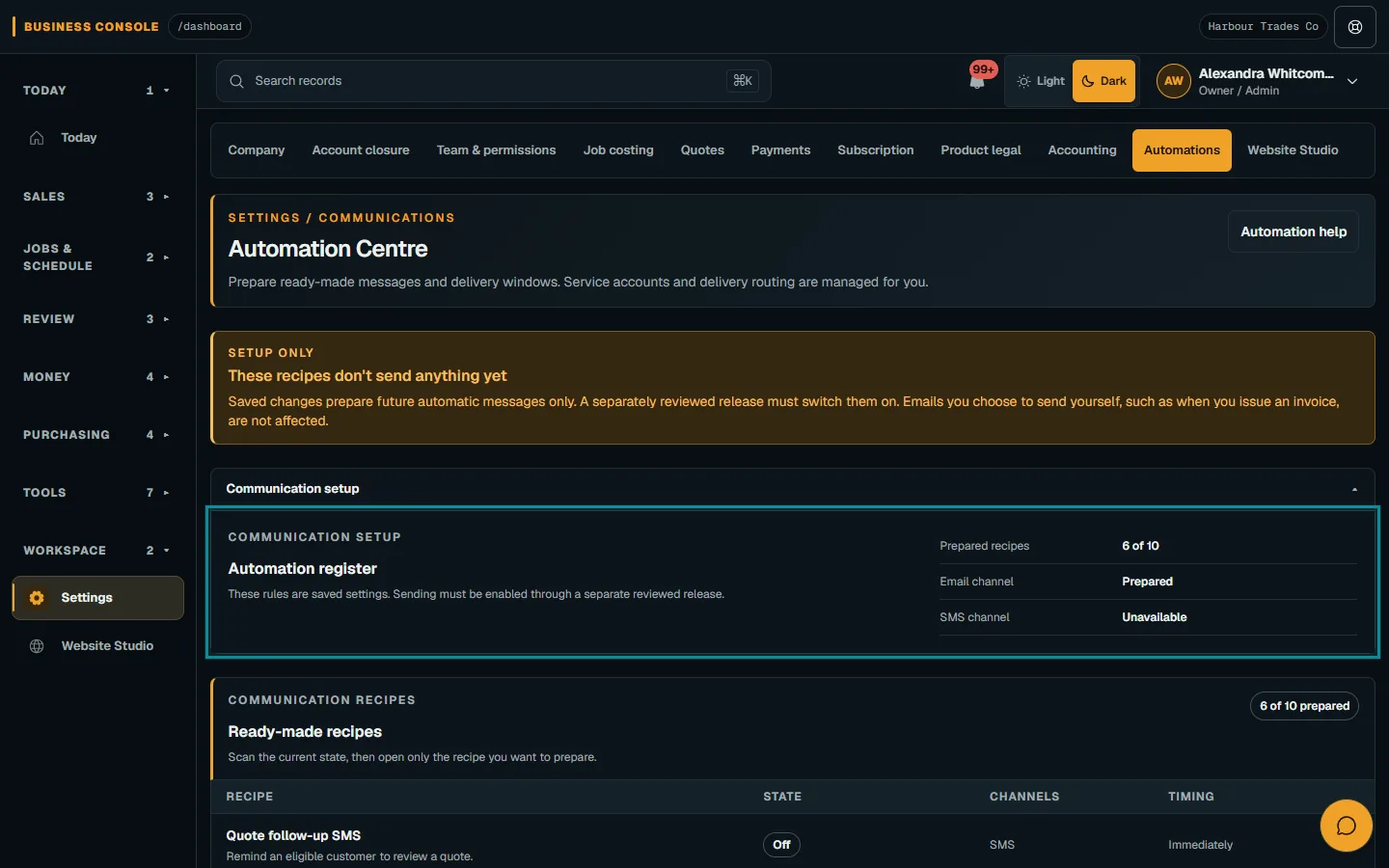
Open Business settings → Automations.Step 1 · Reviewed 2026-10-14Tap or click to open full size - 02
Prepare one recipe
Choose a recipe and channel, then Review setup. Check the trigger, recipients and content before Save prepared recipe; saving settings sends no message.
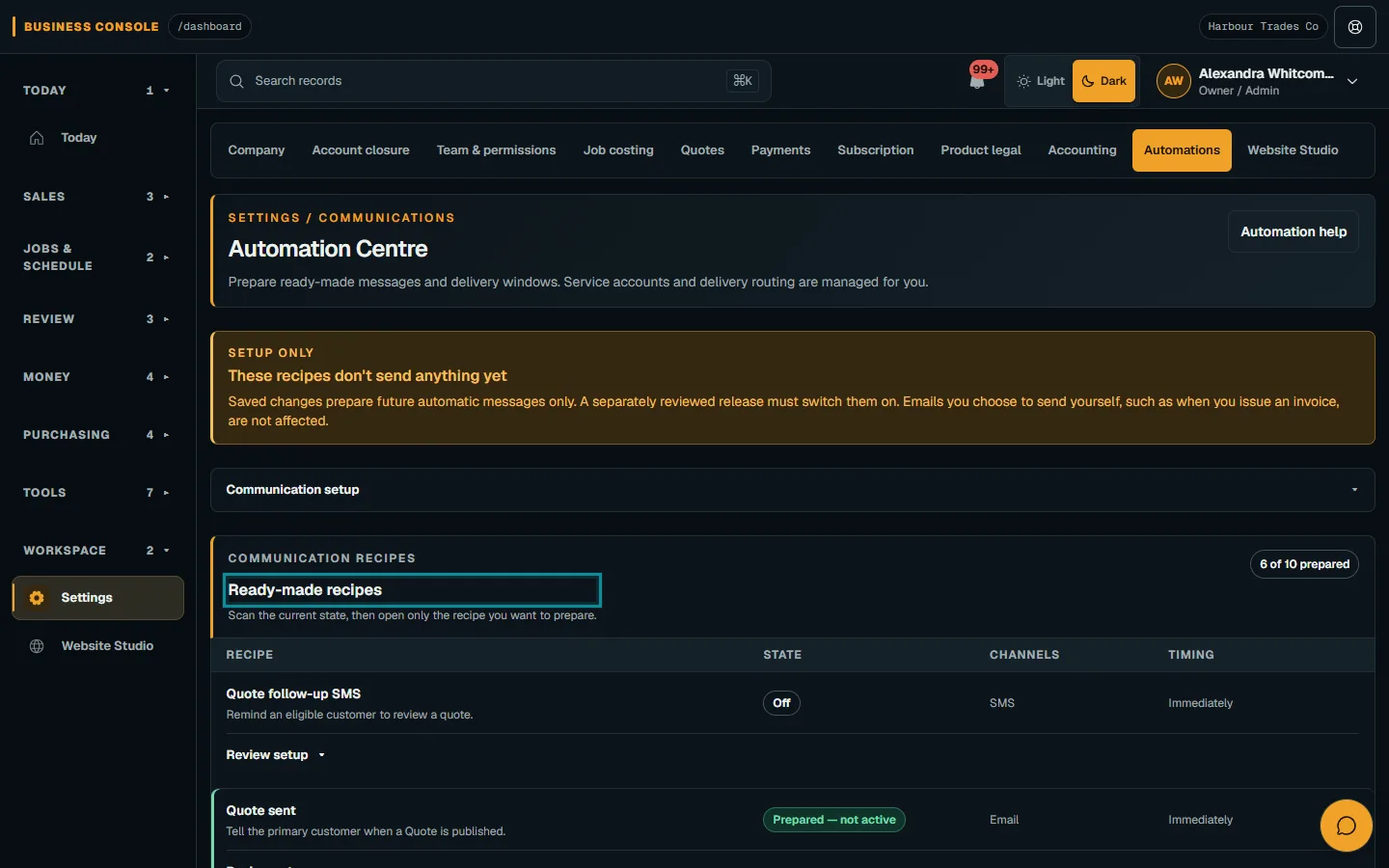
Choose a recipe and channel, then Review setup.Step 2 · Reviewed 2026-10-14Tap or click to open full size - 03
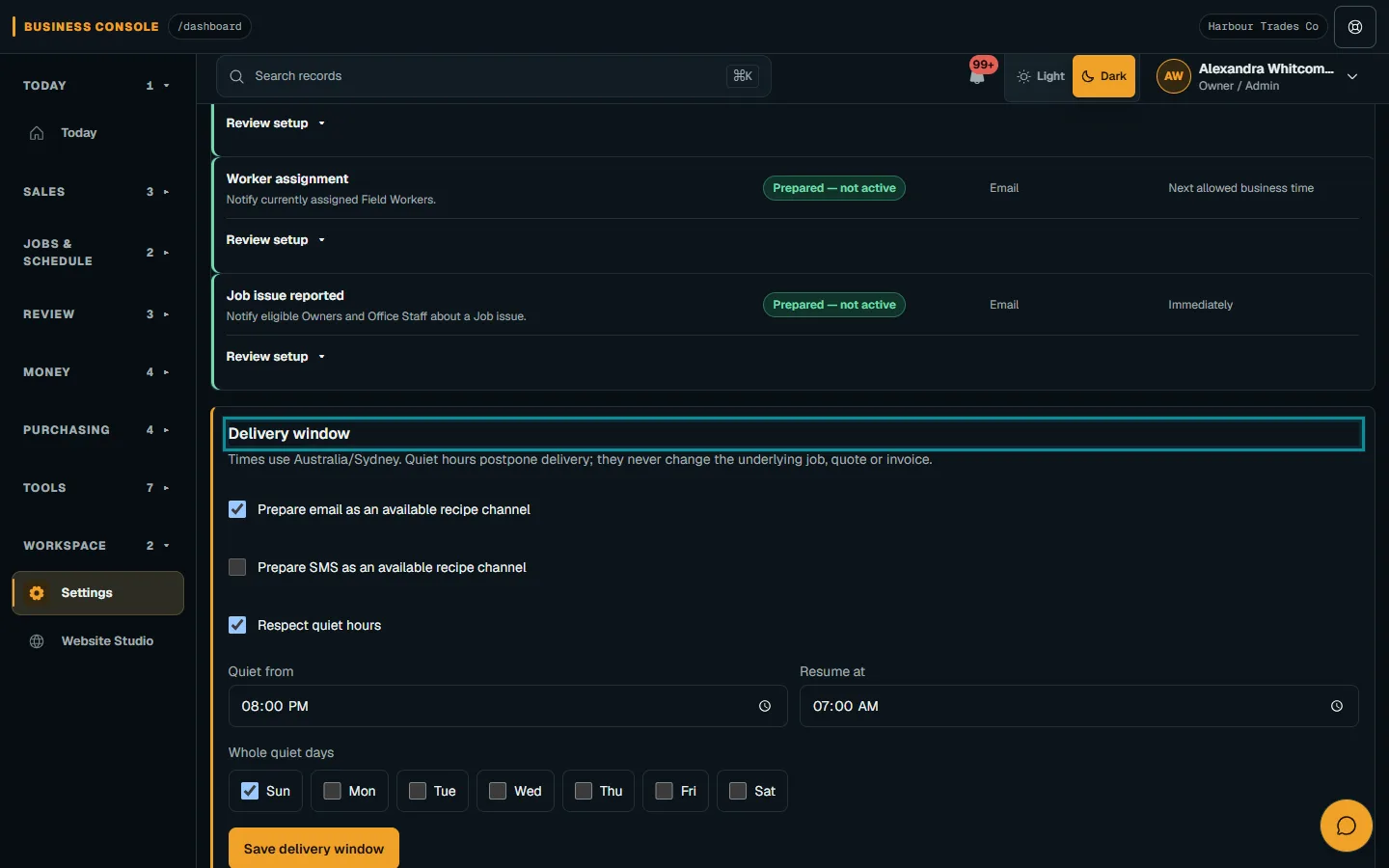
Check the delivery window
Check the allowed times and timezone, then choose Save delivery window. Customer contact preferences still apply.
- 04
Review delivery outcomes
Read delivery results for queued, confirmed or failed messages. Review uncertain results before retrying; a record action alone does not prove arrival.
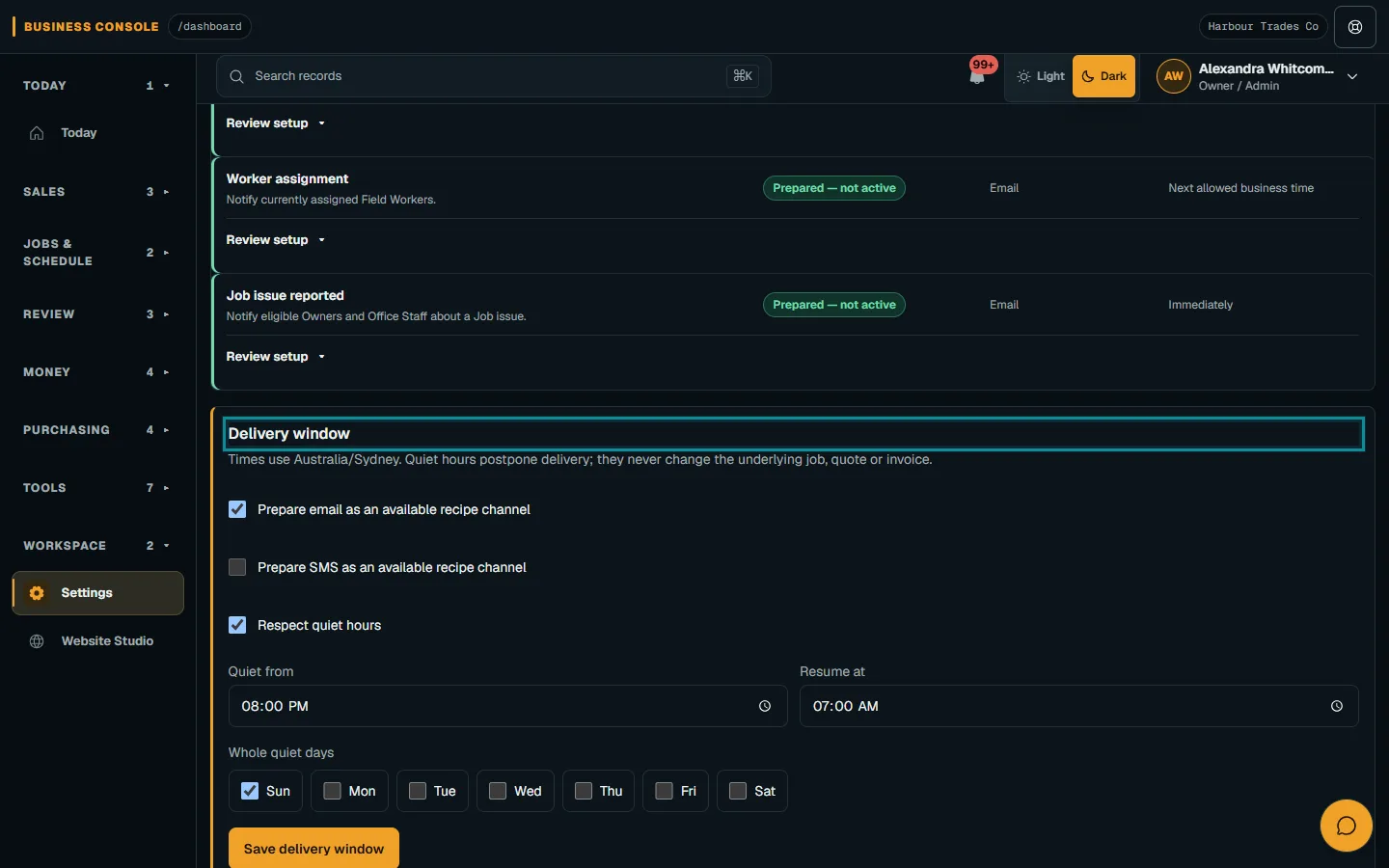
Read delivery results for queued, confirmed or failed messages.Step 4 · Reviewed 2026-10-14Tap or click to open full size
Troubleshooting
If something does not look right
The action is unavailable.
Read the message on the page. Check your role and plan with the Owner. Reload after an approved access change; do not submit the same change twice.
Keep going