
Before you start
Prerequisites and permissions
Have ready
- An active account and a connection.
Access rules
- Your role and plan must allow this page and the action you want to take. Ask the Owner if access is missing.
Where to find it
Navigation map
- Company
- Settings → Company
Walkthrough
Step by step
In each picture, the outlined area is what to look at.
- 01
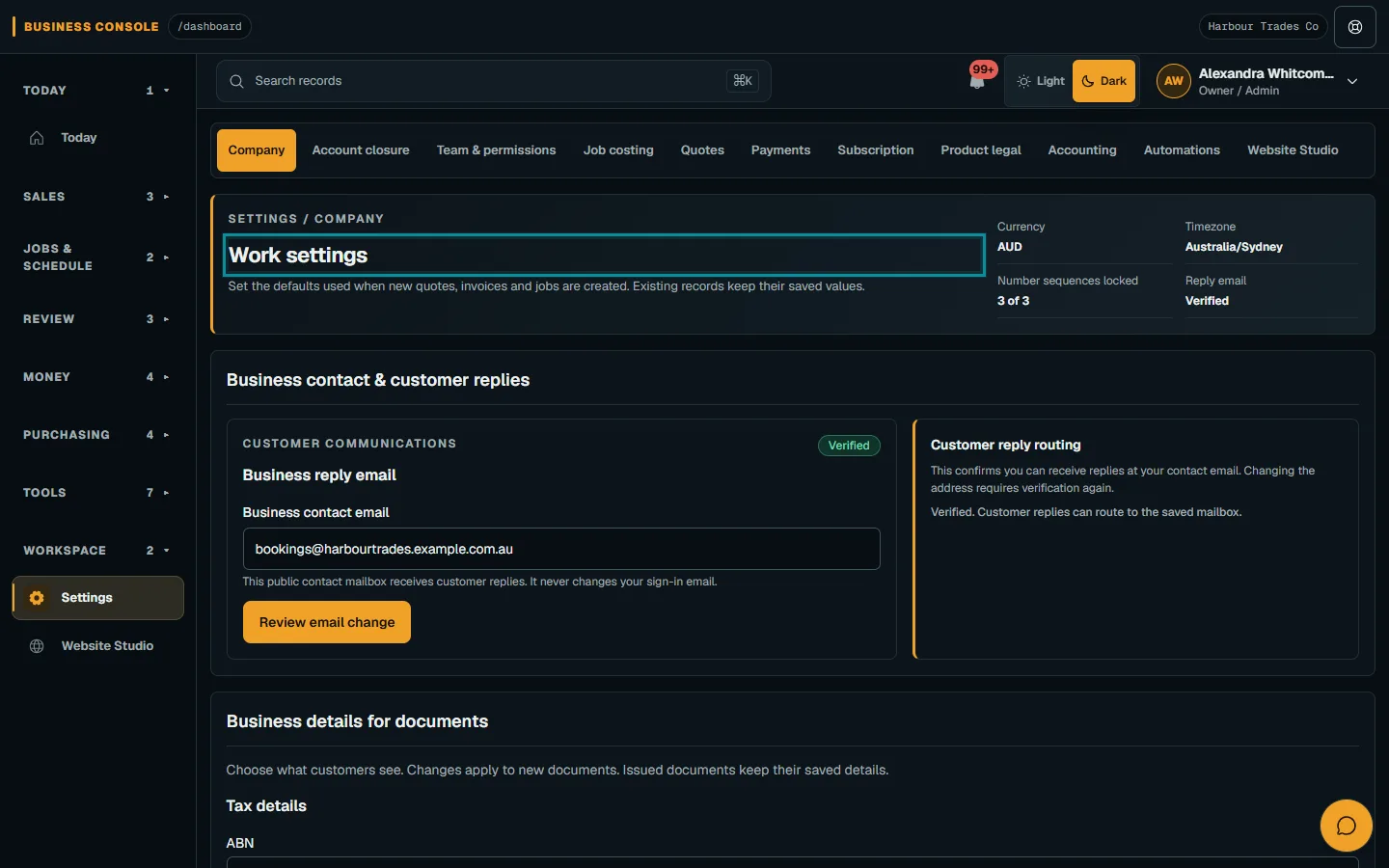
Open Work settings
Open Business settings → Company. Check the company name, currency and operating timezone before changing defaults.
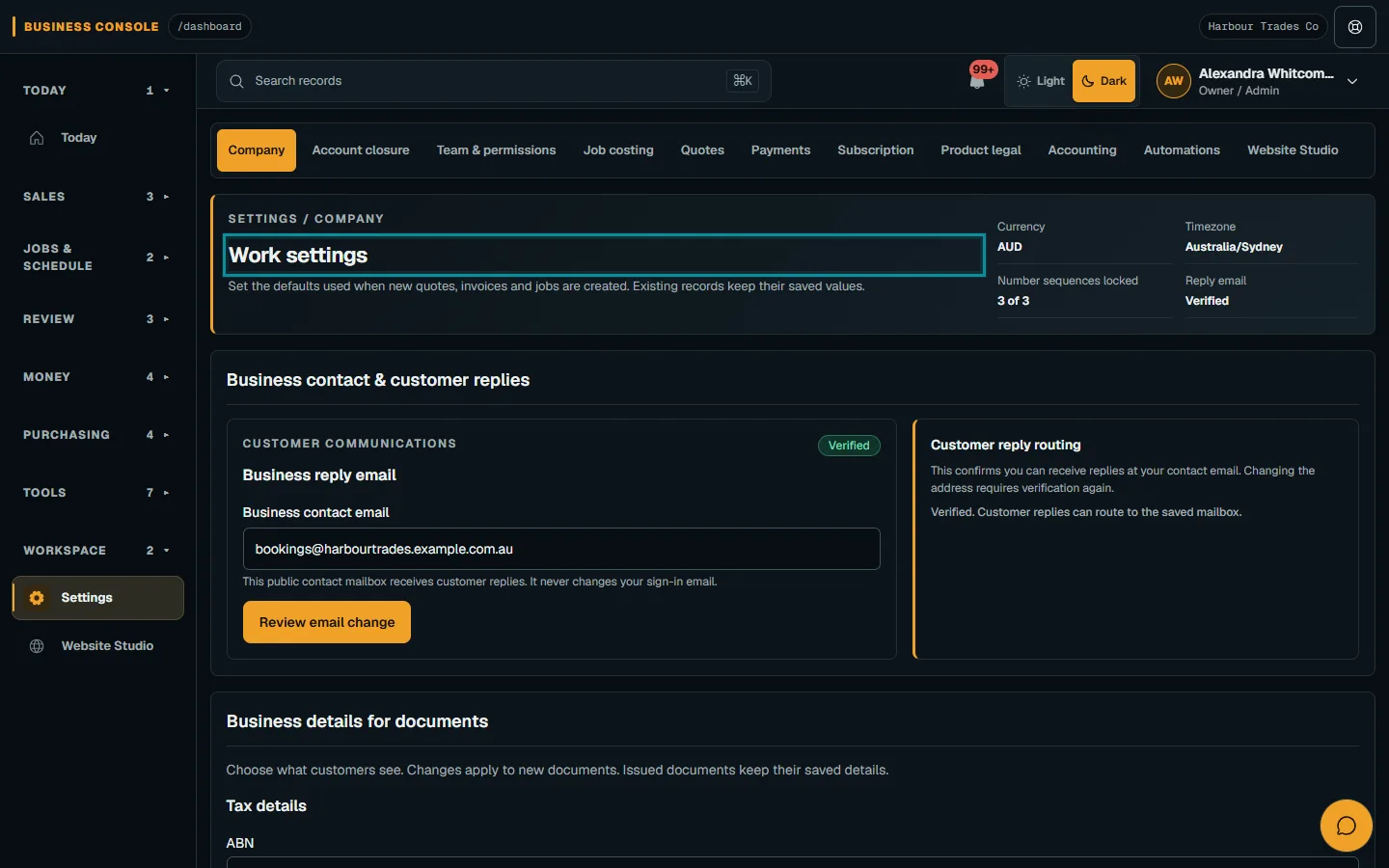
Open Business settings → Company.Step 1 · Reviewed 2026-10-14Tap or click to open full size - 02
Review document settings
Review numbering prefixes, document timing, tax labels and document choices. Prefixes may lock after the first numbered record; issued documents keep their saved details.
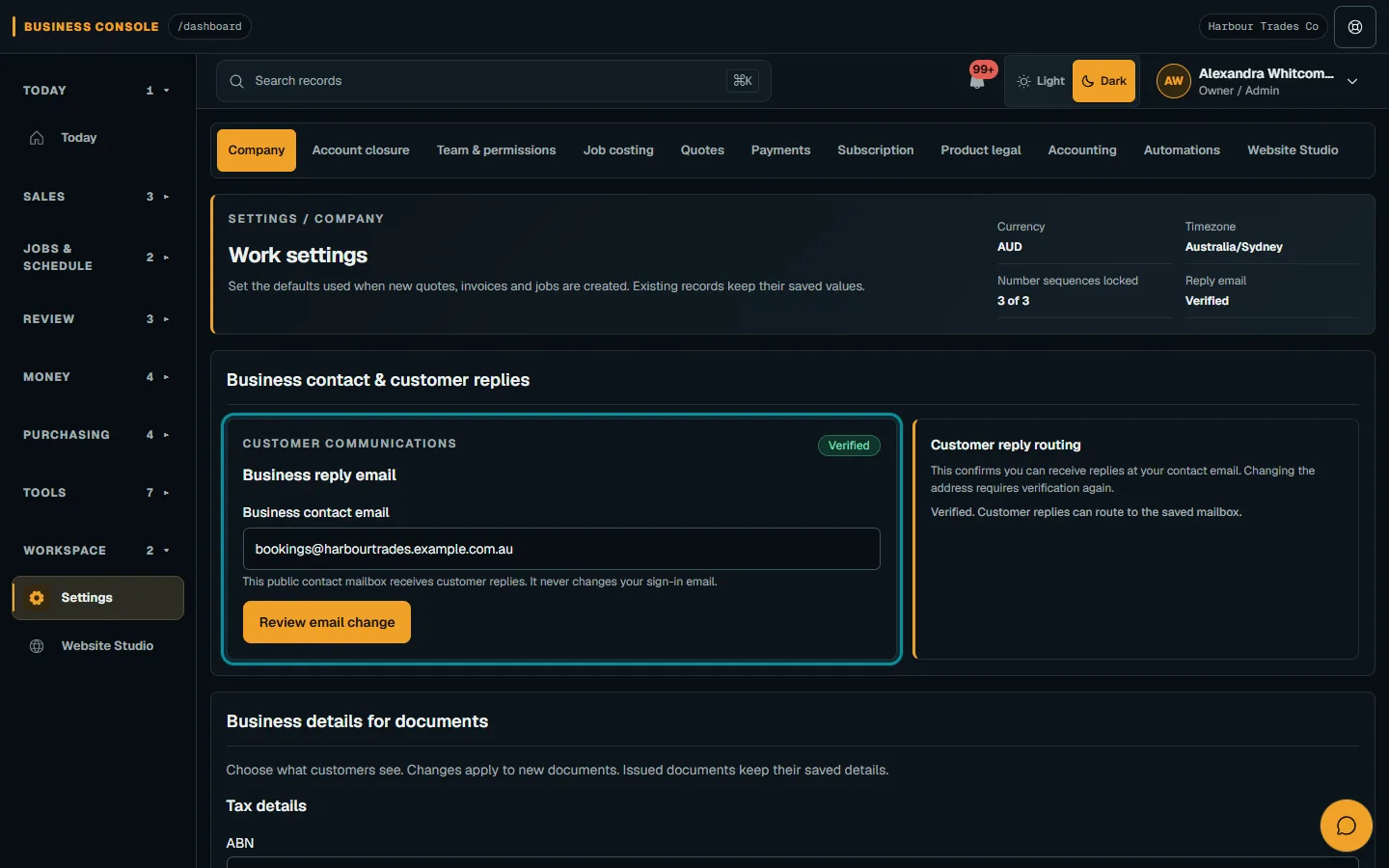
Review numbering prefixes, document timing, tax labels and document choices.Step 2 · Reviewed 2026-10-14Tap or click to open full size - 03
Save the reviewed changes
Choose Review default changes, check Review Company changes, then Save reviewed changes. Read the result; Keep editing returns to the form.
- 04
Keep customer replies separate
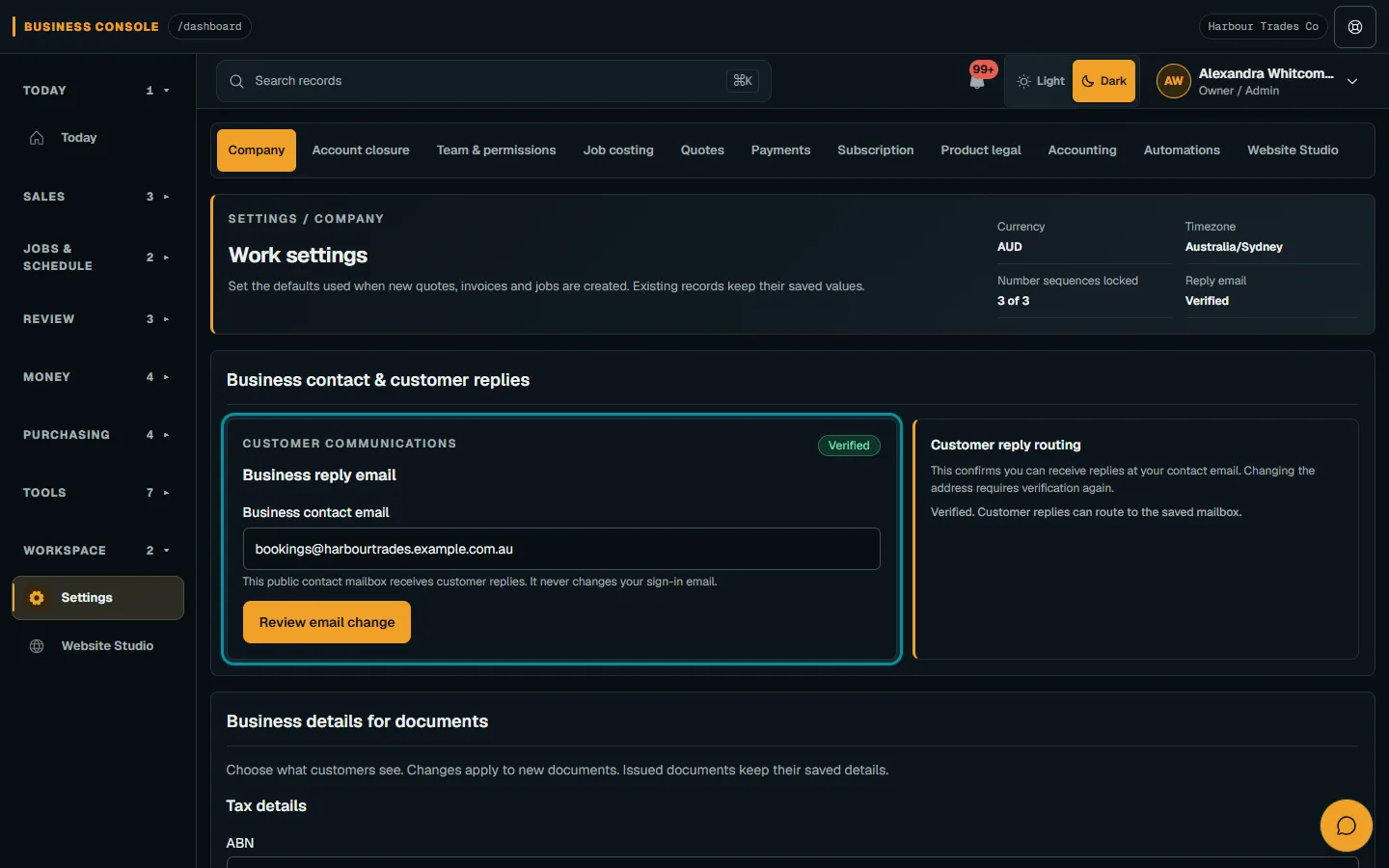
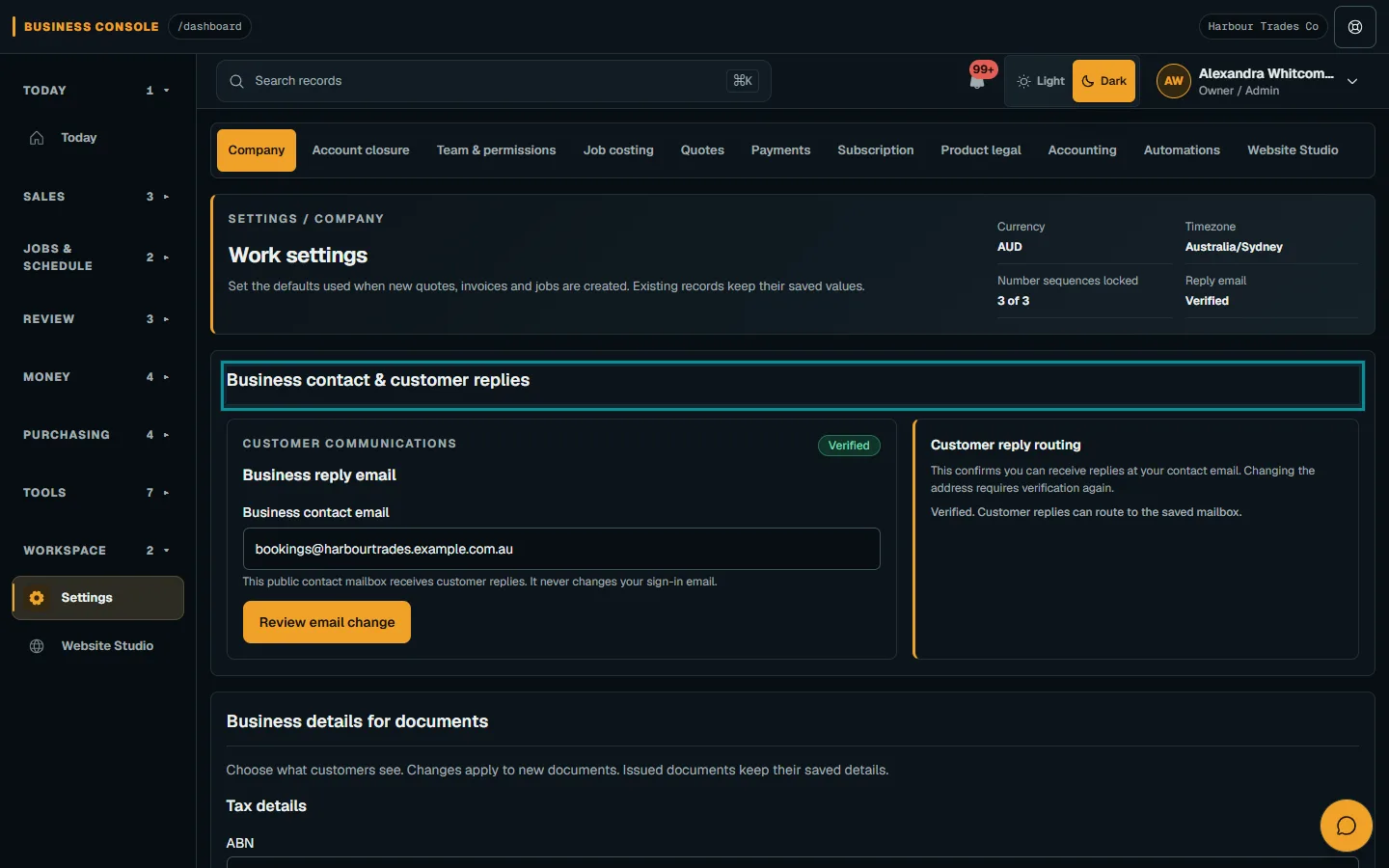
Open Business contact & customer replies to set up the reply mailbox. Follow the reply-email guide: saving the address alone does not verify it.
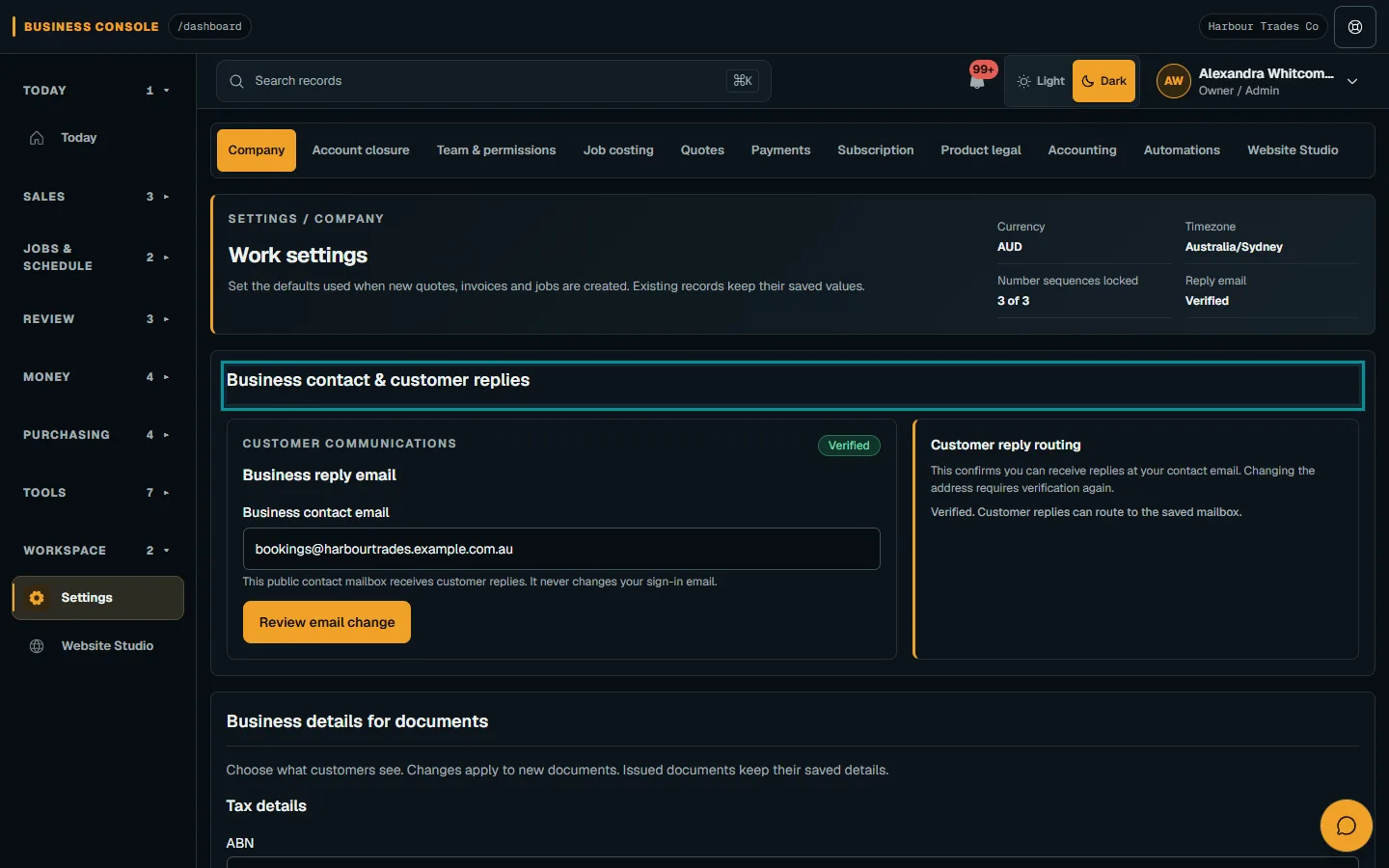
Open Business contact & customer replies to set up the reply mailbox.Step 4 · Reviewed 2026-10-14Tap or click to open full size
Troubleshooting
If something does not look right
The action is unavailable.
Read the message on the page. Check your role and plan with the Owner. Reload after an approved access change; do not submit the same change twice.
Keep going