
Before you start
Prerequisites and permissions
Have ready
- An active account and a connection.
Access rules
- Your role and plan must allow this page and the action you want to take. Ask the Owner if access is missing.
Where to find it
Navigation map
- Supervisor Work Review
- Review → Review inbox → open submitted work
Walkthrough
Step by step
In each picture, the outlined area is what to look at.
- 01
Open Supervisor Work Review
Open the job review queue and select a review state. It lists only assigned work you may review.
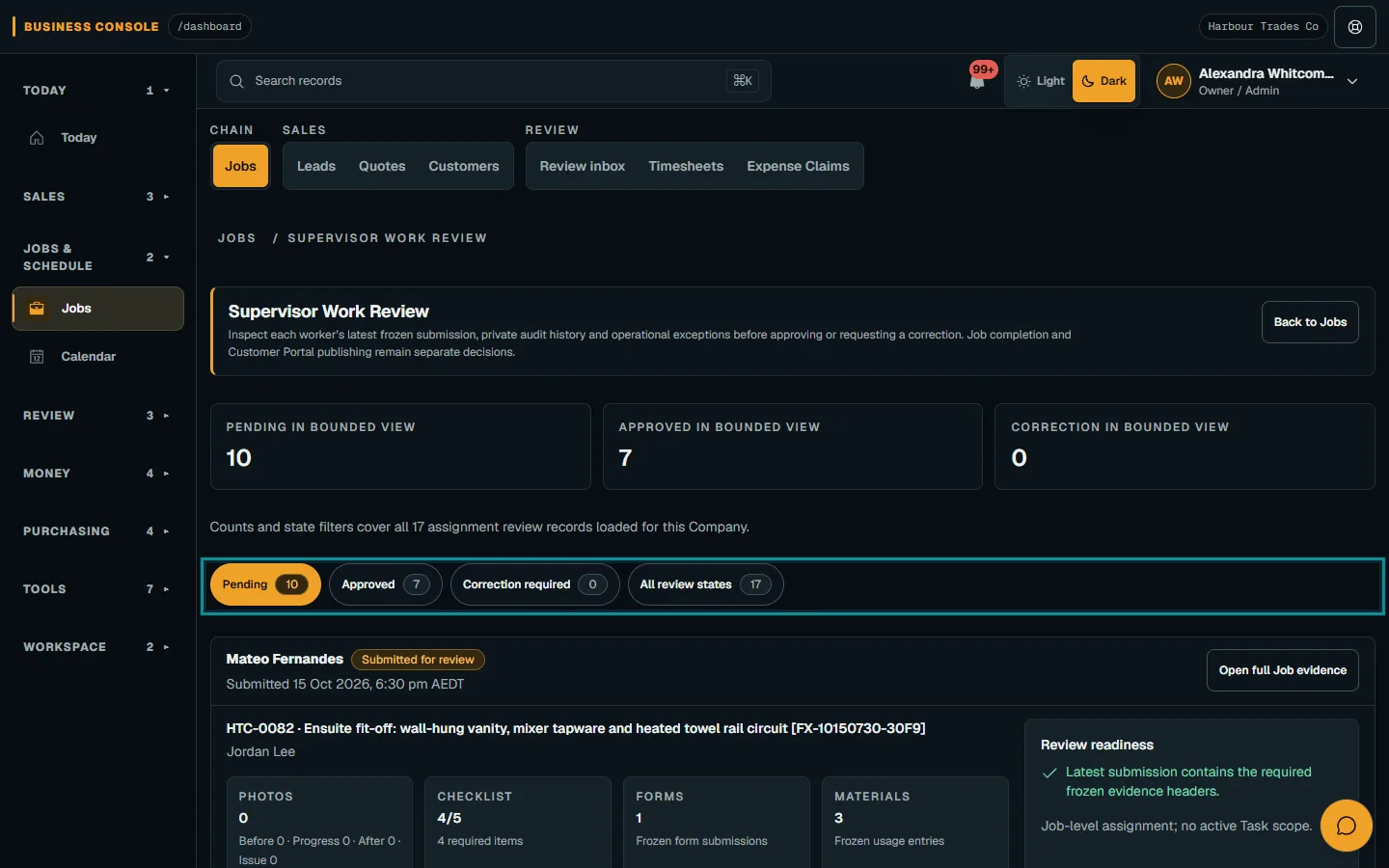
Open the job review queue and select a review state.Step 1 · Reviewed 2026-10-14Tap or click to open full size - 02
Inspect the submission
Check Review readiness, notes, issues, checklist, forms, time, materials, photos and signature evidence. Open the Job for more context.
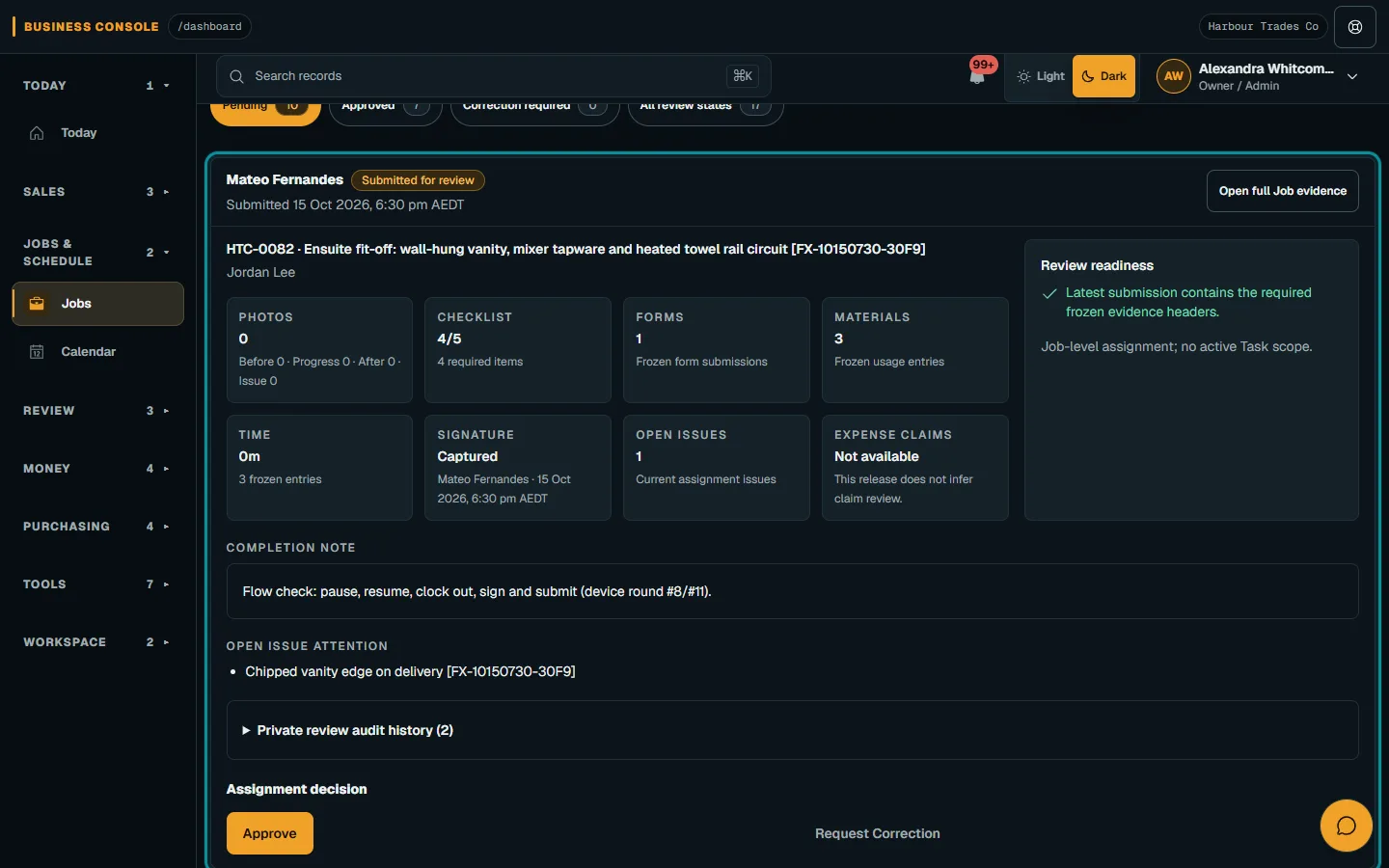
Check Review readiness, notes, issues, checklist, forms, time, materials, photos and signature evidence.Step 2 · Reviewed 2026-10-14Tap or click to open full size - 03
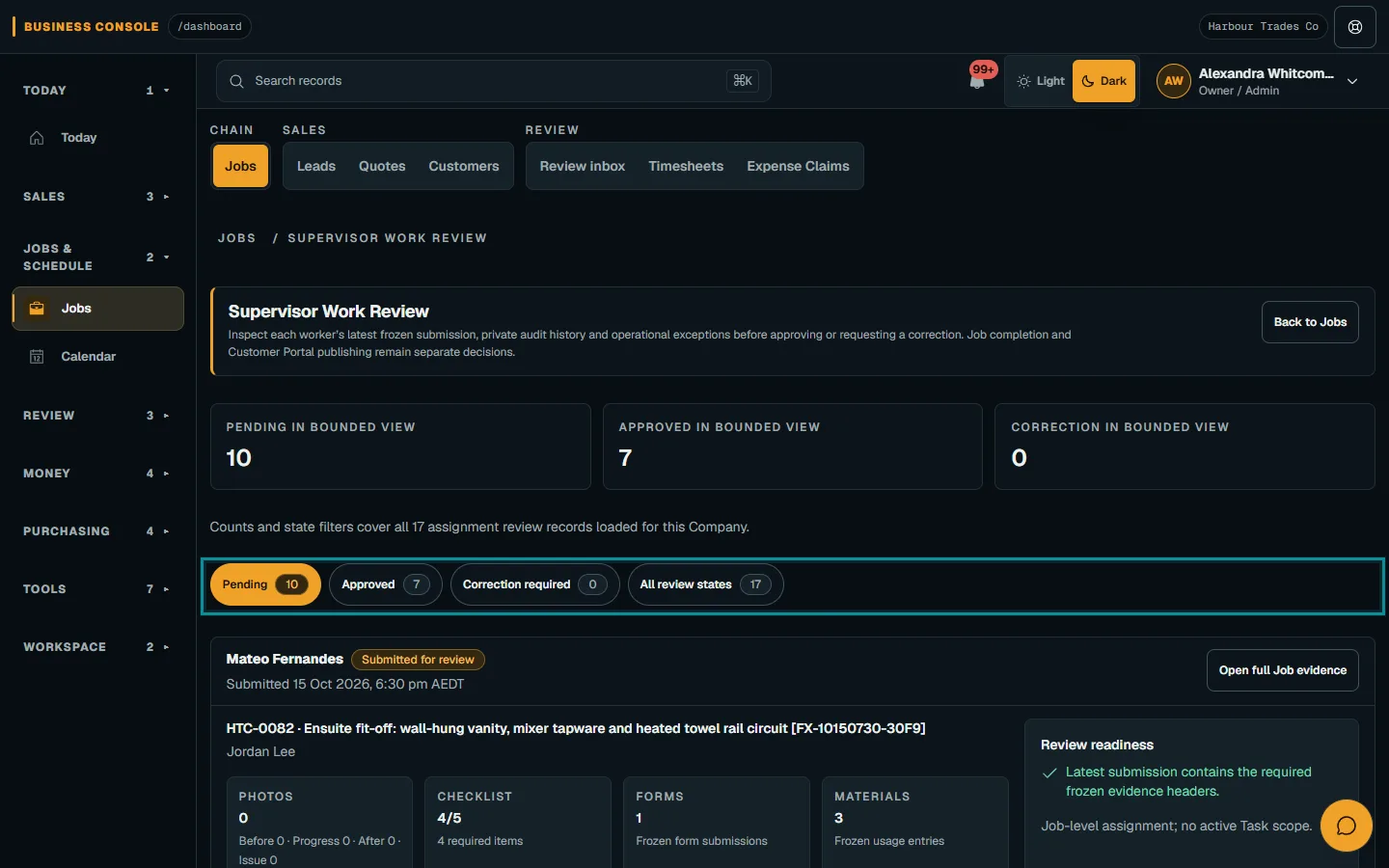
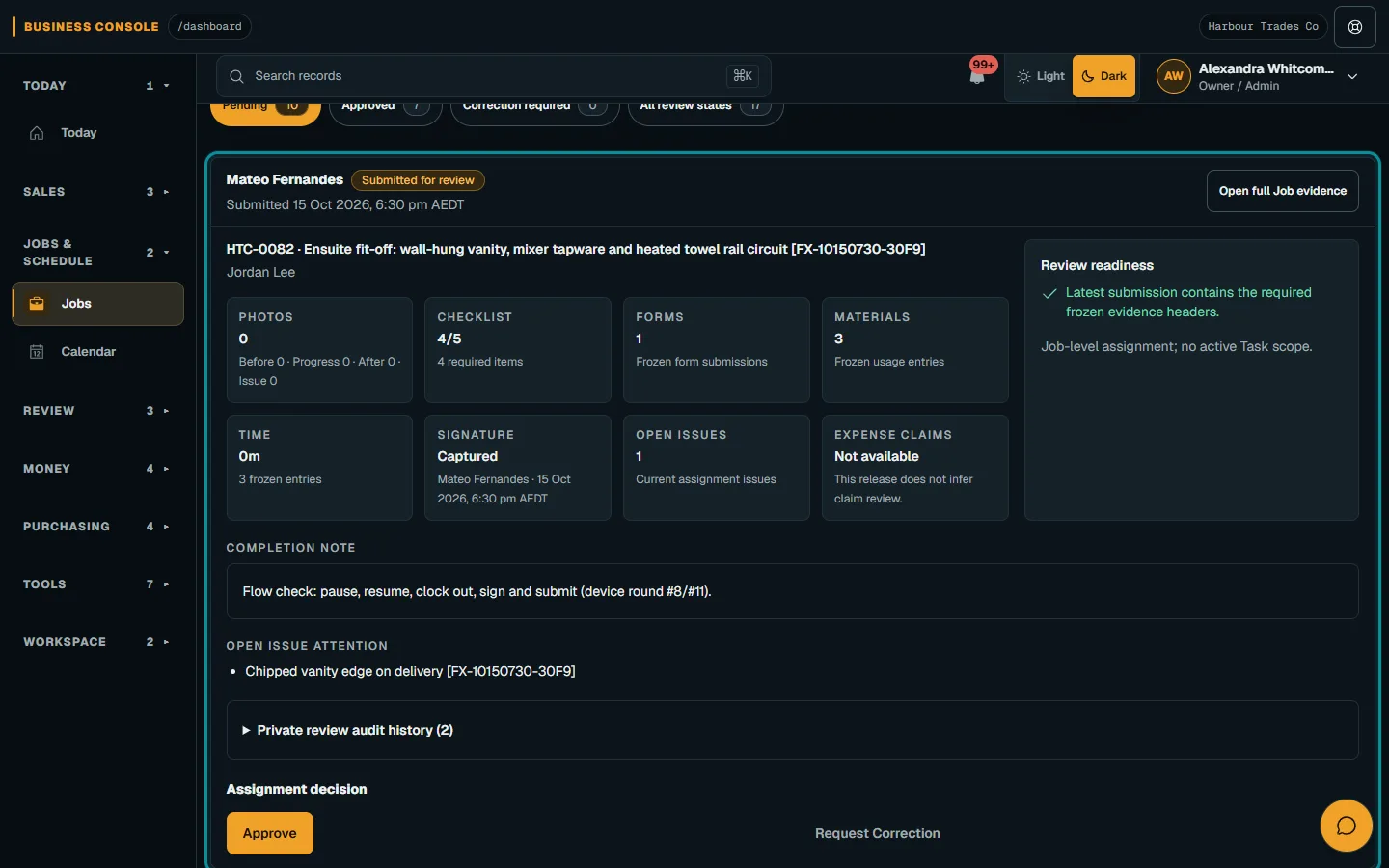
Choose the reviewed outcome
Review the exact submission before approving or requesting changes. Give a clear correction reason, confirm the action and wait for its result.
Troubleshooting
If something does not look right
The action is unavailable.
Read the message on the page. Check your role and plan with the Owner. Reload after an approved access change; do not submit the same change twice.
Keep going