
Online booking for tradies: let customers request a time without losing control of your diary
Customers like picking a time. Trades need to stay in control of travel, quoting and crew. A request-and-approve approach gives you both.
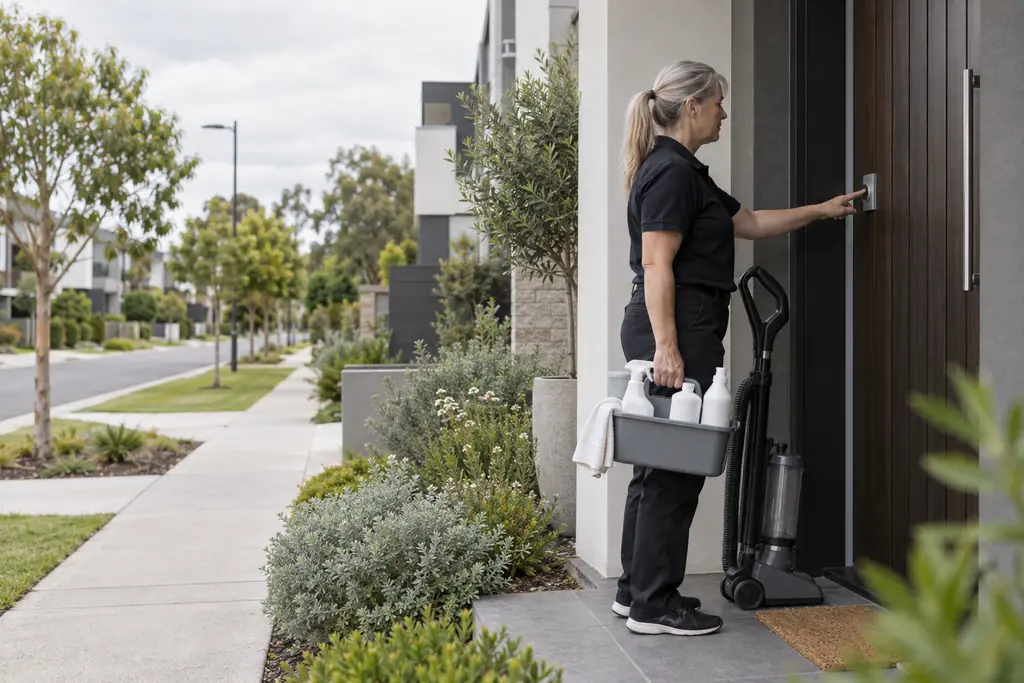
Booking a haircut online takes a minute. Booking a tradie usually takes a phone call, a missed call and a message. Customers increasingly expect to choose a time themselves, but trade work is not a haircut: travel, job length, materials and the right person all matter.
Which jobs suit online booking
- Repeat or standard services with a predictable duration, such as cleaning, servicing, inspections or maintenance visits.
- Site visits for measuring and quoting.
- Jobs you already price with a fixed fee or a clear call-out structure.
Large or complex jobs usually still need a quote first. Online booking works best when you choose which services customers can book and keep the rest on a quote request.
Stay in control with request and approve
Instant booking can fill your diary with jobs on opposite sides of town. A request-and-approve approach lets the customer pick from times that are genuinely available, while you or the office confirm before it becomes a job. You can check the address, travel and who is best suited before you commit.
- Choose bookable servicesSet which services can be booked online and how long each one takes.
- Set your availabilityWorking hours, lead time and staff availability decide which times are offered.
- Review each requestCheck the details and the address, then approve it into a scheduled job or decline it.
- Confirm with the customerLet the customer know it is confirmed, and what to expect on the day.
How Nenvik helps
Online booking in Nenvik lets customers request an available time on your website for the services you choose. The time is held while your team reviews it, and approving the request schedules the job with the person who will do it. See how it fits with your business website and the rest of the platform.
More from the blog
 How to write a quote that wins the job (and protects your margin)Clear scope, clean pricing and a fast follow-up do more for your win rate than a lower price. Here is a simple structure that works.Read article
  What your trade business website needs to bring in local enquiriesYour website does not need to be fancy. It needs to show the work you do, where you do it, and make it easy for the right customer to get in touch.Read article
  Get paid faster: card payments on invoices for small trade businessesThe easier you make it to pay, the sooner you get paid. Online card payment, a clear invoice and a polite reminder routine go a long way.Read article