
Get paid faster: card payments on invoices for small trade businesses
The easier you make it to pay, the sooner you get paid. Online card payment, a clear invoice and a polite reminder routine go a long way.

Finishing the job is only half the work. Chasing payment eats into evenings and cash flow, and most late payments are not about customers refusing to pay. They are about invoices that are unclear, arrive late or are inconvenient to pay.
Invoice while the job is fresh
Send the invoice the same day the work is done, ideally before you leave the driveway. Customers are most willing to pay when they have just seen the result. Include a clear description of the work, the total and the due date, and make sure it matches what was agreed in the quote.
Let customers pay by card online
Many customers would rather tap a button than log in to internet banking and copy account details. A secure payment link on the invoice removes that friction. Card payments usually carry a processing fee from the payment provider, so check the provider's pricing and decide how you will account for it in your rates.
- Keep bank transfer available for customers who prefer it.
- Check how quickly payments reach your bank account under your payment provider's payout schedule.
- Record refunds and part payments so your invoice balances stay accurate.
Build a simple reminder routine
- Before the due dateA friendly note with the payment link is often enough.
- On the due dateA short reminder with the amount and how to pay.
- After the due dateFollow up personally. A quick call solves most delays.
How Nenvik helps
In Nenvik the business Owner connects the business's own Stripe account in Settings, and customers can then pay an emailed invoice by card. Money goes directly to that Stripe account, Nenvik adds no payment fee of its own, and the invoice is marked paid when Stripe confirms the payment. Payment reminders include a link to view and pay the invoice. Read the guide to connecting Stripe and taking card payments.
More from the blog
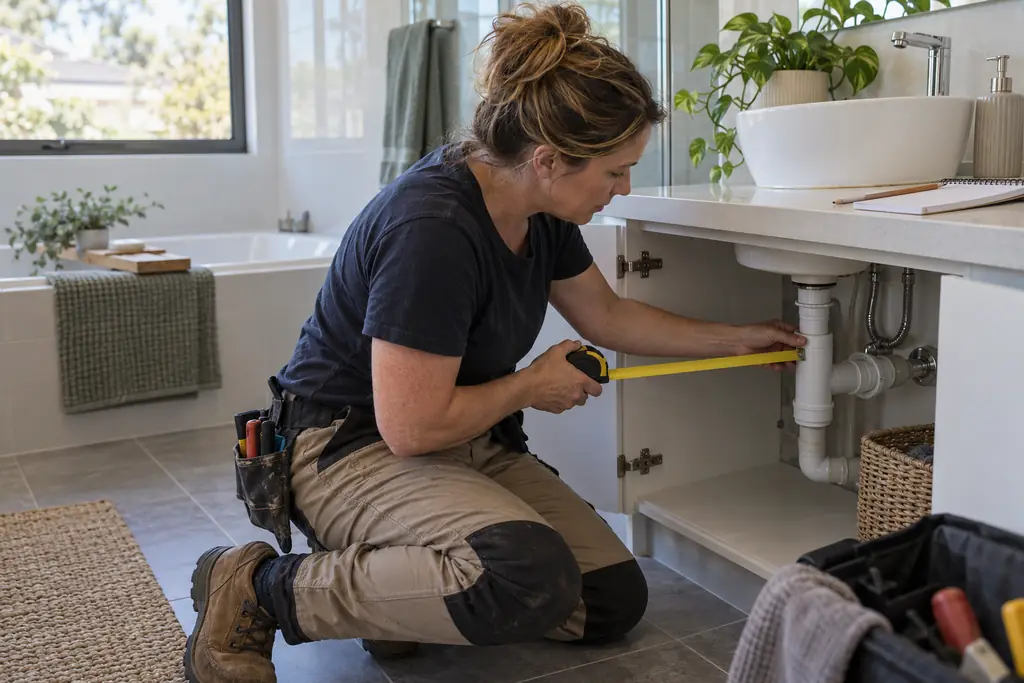 How to write a quote that wins the job (and protects your margin)Clear scope, clean pricing and a fast follow-up do more for your win rate than a lower price. Here is a simple structure that works.Read article
  What your trade business website needs to bring in local enquiriesYour website does not need to be fancy. It needs to show the work you do, where you do it, and make it easy for the right customer to get in touch.Read article
 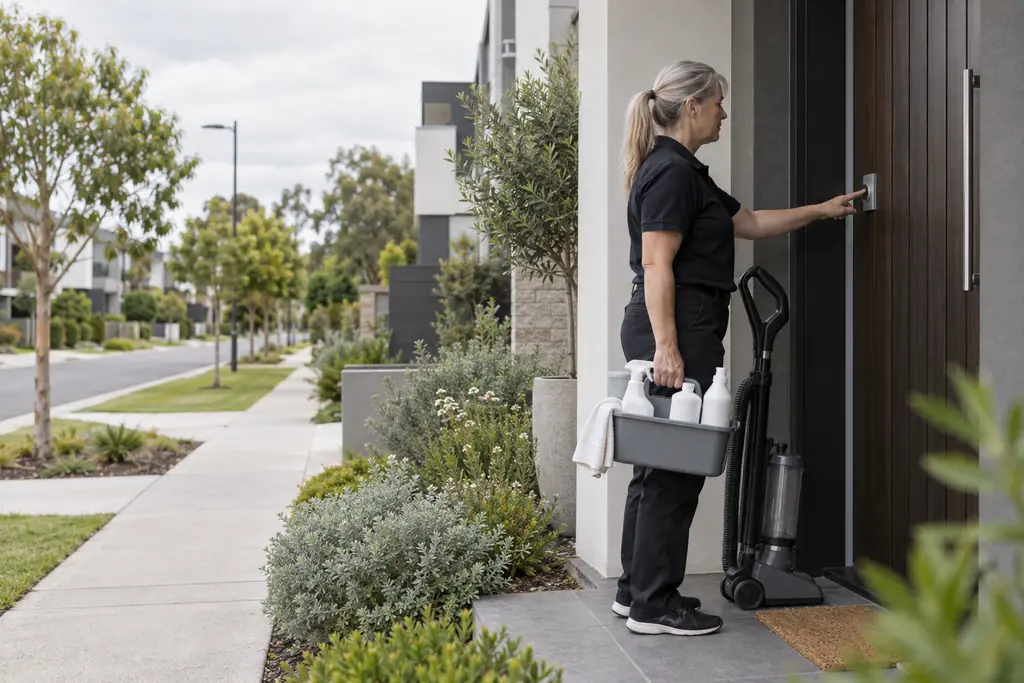 Online booking for tradies: let customers request a time without losing control of your diaryCustomers like picking a time. Trades need to stay in control of travel, quoting and crew. A request-and-approve approach gives you both.Read article