
A practical landscaping and irrigation business workflow
Landscape projects and maintenance rounds need different plans, but they rely on the same clear site records. Connect the assessment, quote, crew tasks and handover before work starts.

A landscaping business may have a garden installation, an irrigation repair and a regular mowing round happening on the same day. Each needs people, materials and a workable sequence, but the office cannot manage them all as identical appointments. A useful workflow gives each job the detail it needs while keeping the daily plan simple enough for the crew to follow.
When choosing landscape management software, irrigation software or a lawn care business app, first write down what must move between the office and the site. Start with the customer's outcome, then the measurements, quantities, access and decisions needed to deliver it. The same approach supports landscaping and irrigation projects and lawns, gardens and grounds maintenance without confusing their scopes.
Begin with a site assessment the crew can use
Walk the area with the customer and record what they want changed, retained or protected. Identify work areas with stable names such as front verge or rear planting bed. Note measurements, existing materials, delivery access, storage space and any known constraints. Mark questions that need another inspection rather than treating the first conversation as a complete design or a confirmed material quantity.
- Record the service address, contact for access and person authorised to approve changes, especially when a property manager and occupant are both involved.
- Measure the areas involved and note the units, source and date. Distinguish measured quantities from allowances that still need checking.
- Photograph existing surfaces, plants to retain and the delivery route. Use the same area references in notes and photos so another crew member can find them.
- List customer responsibilities, such as clearing stored items or confirming a plant choice, with a decision date before the affected work starts.
A site record should explain uncertainty as well as facts. If a material, buried condition or existing irrigation fault has not been assessed, say what remains open and who will check it. Keep the estimate based on the information you actually have. Check the requirements for your trade and state before committing to work that needs a specialist decision.
Quote plants, materials and labour separately enough to review
Build the quote from the agreed work areas and quantities. List plants, turf, mulch, edging, irrigation fittings and other materials with descriptions the customer can recognise. Include preparation, installation, handling, delivery and disposal in the labour and other cost allowances. A supplier's pack size or delivery restriction may change the quantity or effort even when the measured garden area stays the same.
Check availability before promising a particular plant or product. Where substitutions may be needed, agree how you will offer them for approval rather than assuming anything similar will do. Separate a genuine choice between complete options from an optional extra. Keep the customer's chosen outcome traceable through the quote so the crew does not install the first version of a plan after the customer selected another.
Stage the project around real dependencies
Break a larger project into stages that reflect how work can proceed. Preparation, edging, irrigation, planting, turf and handover may need different people and deliveries. The exact sequence belongs to your project plan. Write down the checks needed before each stage starts, such as a cleared area, confirmed materials or a customer decision, instead of filling the calendar with hopeful dates.
- Define the next ready stageDescribe the output the crew must leave and the information they need to begin. Identify any work that must be completed or checked first, rather than relying on a conversation someone may miss.
- Give each task an ownerAssign the work to the appropriate people and name a lead for coordination. Separate responsibility for organising a delivery from responsibility for receiving and checking it on site.
- Check the day beforeConfirm access, weather, materials and the customer's outstanding decisions. Move the plan deliberately when a dependency is missing, with a clear message to everyone affected.
- Record the handoverAt the end of a stage, note completed work, materials used and anything the next crew must know. Take useful progress photos before the relevant work becomes difficult to see.
Give the crew tasks they can finish and report
A task such as finish the garden leaves too much interpretation. Describe the work area, intended result, materials and check that closes the task. Tell the crew where to record a problem and who decides on changes. If the customer asks for extra work while you are away, the crew needs a clear route back to the authorised decision-maker before adding scope.
Keep time and materials against the actual work rather than reconstructing the day from the original quote. Record a short explanation when the plan changes, such as waiting for access or moving a delivery. Those notes help the office understand the result without treating every delay as a labour problem. They also make the next similar quote more realistic.
Keep irrigation zone references consistent
Use stable zone names or references that the service crew and customer can both locate. Record the controller reference, area served, observations, work completed and checks performed. Keep a simple location sketch or labelled photos with the job where useful. Record who checked the system and what remains unresolved, particularly when different people assess and repair the fault.
A handover should explain what was installed or changed, the settings your team recorded and the follow-up the customer agreed to. Make clear which instructions come from your qualified team or product documentation. A business record does not design an irrigation system or decide suitable settings. Software should preserve the decisions and observations your team enters without presenting them as an engineering result.
Give the customer a handover that matches the garden actually delivered. Walk through retained areas, new work and anything still awaiting attention, using the same area and zone references as the crew records. Agree who will look after the site between installation and the first maintenance visit. Record questions that need a later answer instead of improvising an instruction on the spot. If your process includes a separate customer document, prepare and review it for that purpose; the crew's internal notes are not automatically suitable as the handover.
Build maintenance rounds with room for weather
Agree what a maintenance visit includes, its expected frequency and what happens when conditions prevent the planned work. Group sites sensibly by area, but check access windows and visit duration before choosing the order. Keep project work and recurring rounds distinguishable so a delayed installation does not quietly displace a maintenance customer who was expecting you.
Have a morning decision point for weather changes, with one person updating the crew and customers. Record whether a visit was postponed, partly completed or changed to another agreed activity. Reschedule the remaining work explicitly. For customer messages that explain the change clearly, use the approach in keeping customers in the loop. Avoid leaving a customer to infer a new date from silence.
Review the costs of projects and rounds
Compare estimated labour, materials and other costs with the recorded result after a stage or visit. Separate installation effort from ongoing maintenance so one does not hide the other's cost. Look for repeated extra handling, wasted trips or material assumptions that were wrong. Our job costing guide explains how to turn those findings into better estimates rather than simply accepting them as a busy week's overhead.
How Nenvik helps
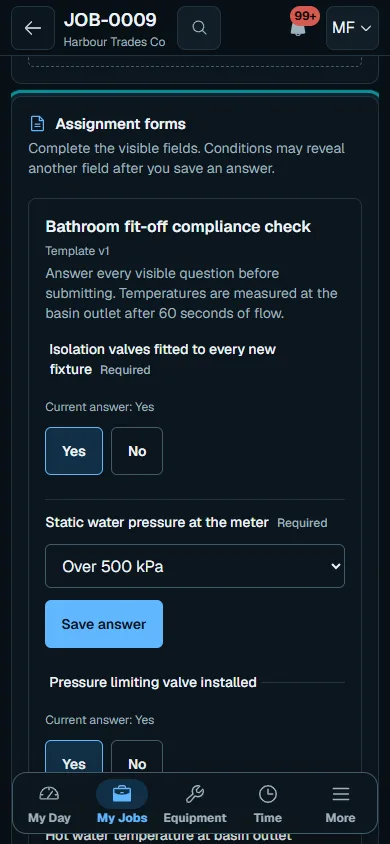
Nenvik supports job stages, tasks and task crew assignments. The planning and dispatch guide explains scheduling; assignment forms can hold your entered zone references and handover checks when staff manually apply the template. Nenvik does not design irrigation systems. Feature access depends on your plan and the person's role.
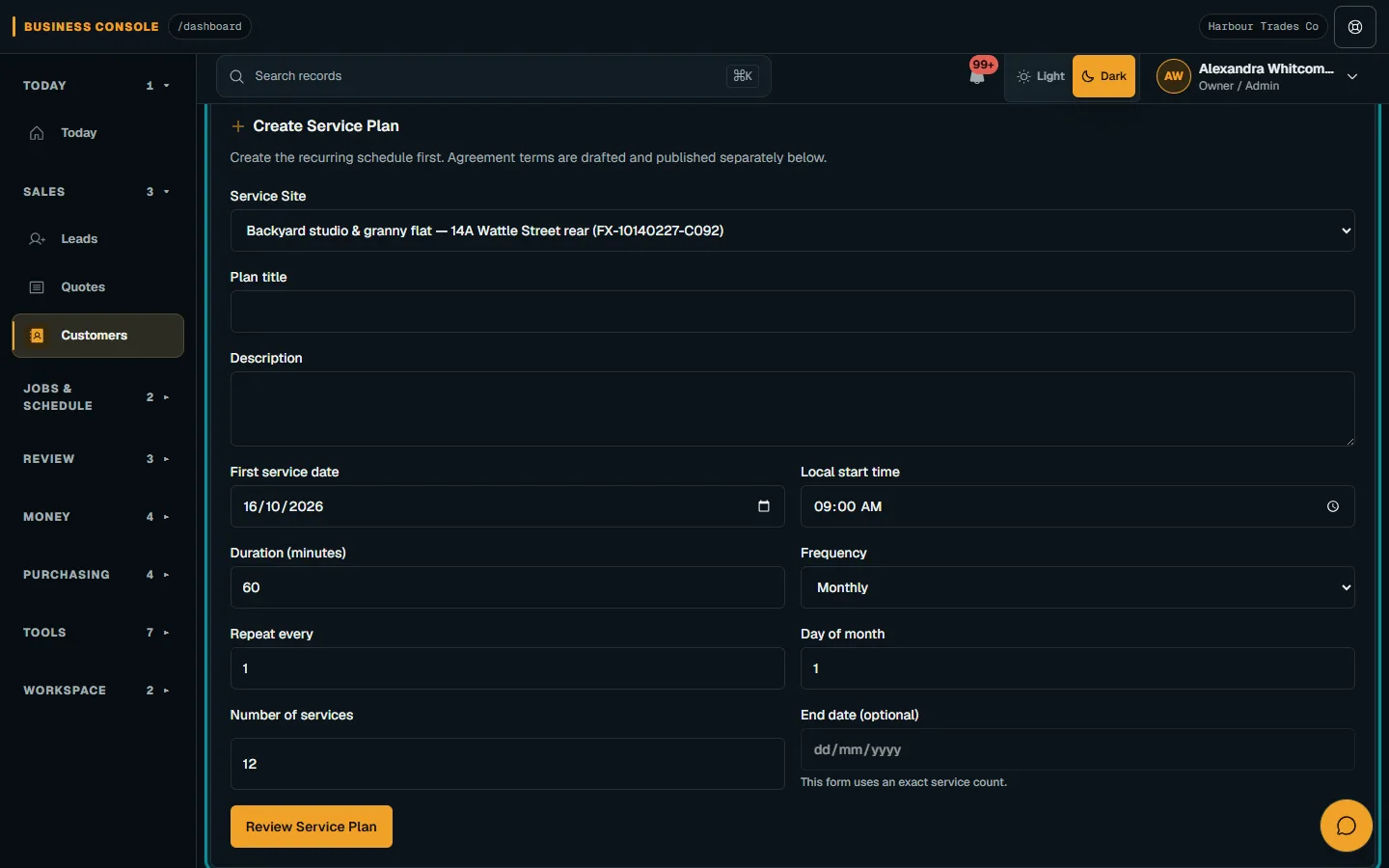
For repeat work, service plans and agreements organise the agreed pattern. Schedule each visit and review the crew's actual time and materials before invoicing. Use job cost controls to compare those records with the estimate.
Common questions
What should landscaping software help me organise?
Start with the site assessment, agreed quote, material quantities, crew tasks and handover. Project stages and maintenance rounds need different scheduling detail. Test the workflow with an actual example from each part of your business.
What should an irrigation job record include?
Use consistent zone references, observations, work completed and checks performed. Add location information and the follow-up your team has agreed. The record preserves decisions; it does not design or size the irrigation system.
How do I manage weather delays on landscaping work?
Choose a clear decision point and one person to update the crew and customers. Record what was completed and what remains, then agree the revised plan. Do not leave postponed work without a new scheduling action.
Does a Nenvik service plan book every maintenance visit automatically?
Service plans and agreements help organise repeat work. Schedule each visit and confirm access and crew availability. Do not treat a plan as confirmation that every future appointment is booked.
More from the blog
 How to quote a price for a job: work out the cost before the totalA useful quote starts with what the work will cost your business. Build the price from labour, materials and overheads, then allow for risk and the profit you choose.Read article
  How to quote glass and glazing jobs from measure to fittingA glazing quote needs a reliable record of each opening before glass is ordered. Keep measurements, product decisions and fitting assumptions connected through to installation.Read article
 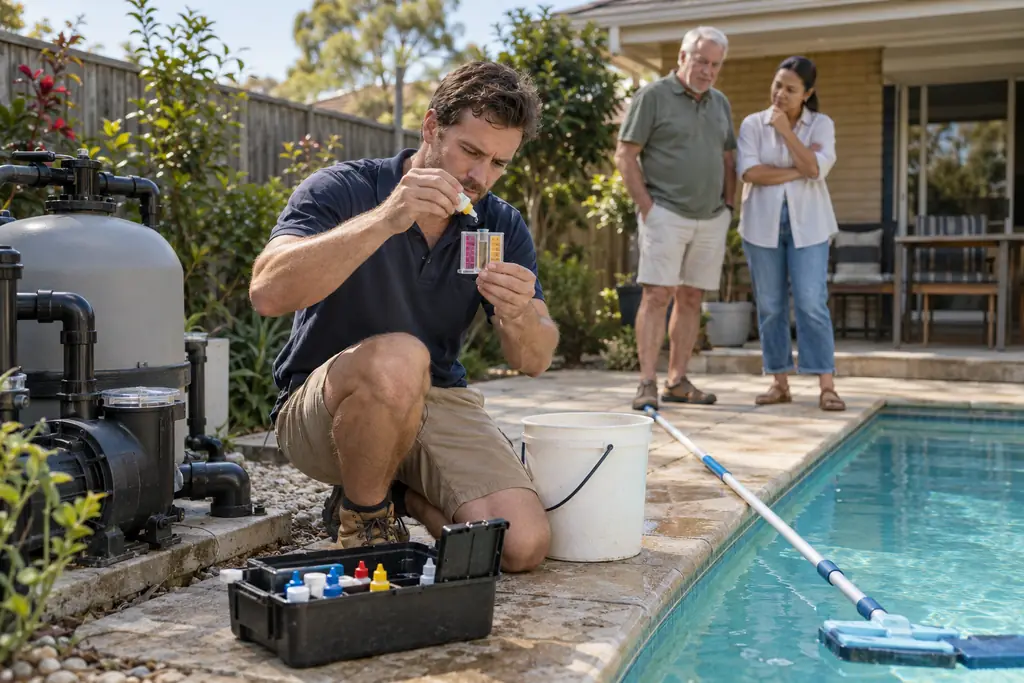 Pool service rounds and recurring visits: a practical workflowA dependable pool round needs more than a list of addresses. Agree the visit scope, keep useful readings and equipment records, and make faults easy to turn into approved repair work.Read article