
Pool service rounds and recurring visits: a practical workflow
A dependable pool round needs more than a list of addresses. Agree the visit scope, keep useful readings and equipment records, and make faults easy to turn into approved repair work.
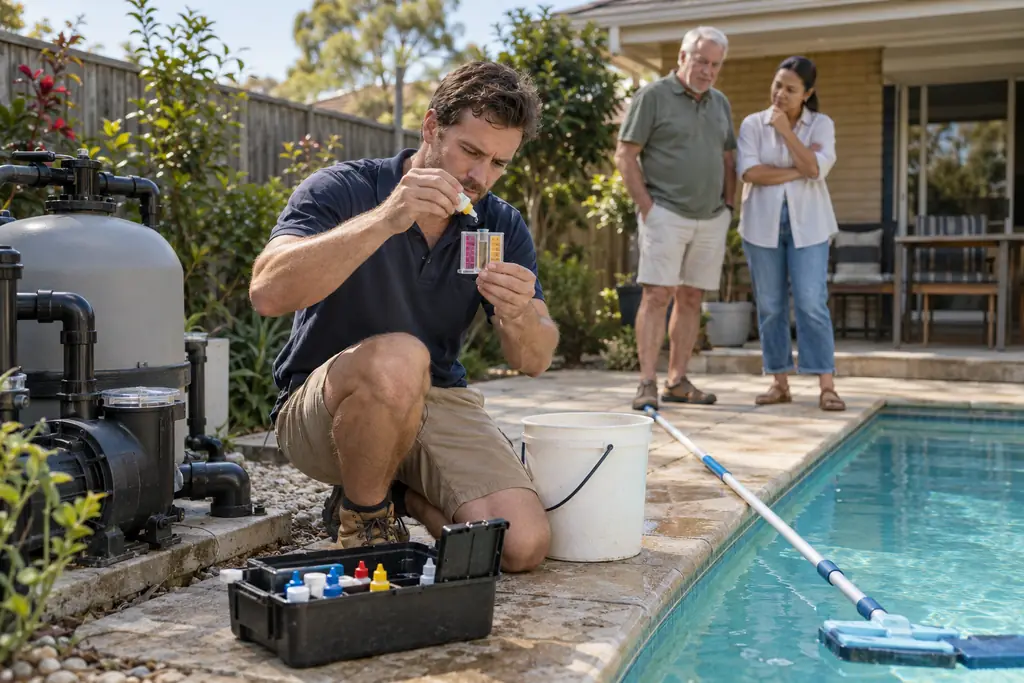
A regular pool round works when the technician knows where to go, how to get in and what happened last time. The office needs the same information to answer questions, price repairs and invoice the visit. When those details stay in a notebook in one ute, every absence or change of technician creates another round of phone calls.
Pool service software should help carry the record from visit to visit. Whether you search for pool service software or swimming pool management software, test the everyday workflow rather than starting with a feature list. For a domestic servicing business, useful records include access, entered readings, materials, equipment and agreed follow-up. See the pool and spa servicing workflow for the business context.
Agree visit frequency and scope first
Write down the frequency the customer has agreed to and the work included in a normal visit. Separate routine servicing from repairs, unusual cleanup and work that needs a separate decision. Discuss how seasonal changes, customer absences and missed access will be handled. A recurring arrangement should make expectations clearer, rather than leaving both sides to rely on what they remember from the first call.
Confirm who can approve additional work and how you will contact them. An occupant who lets the technician in may not be the person paying for a replacement pump. Keep the service address distinct from the billing contact and ask for changes when circumstances differ. Check the next planned visit against the agreement instead of assuming the same pattern remains suitable indefinitely.
Build rounds from duration, access and travel
Group visits by area, then check the time each site actually needs. Allow for parking, carrying equipment, recording the visit and travelling to the next address. Keep some room to deal with a fault or an access problem. A full calendar built from optimistic durations can leave the last customers waiting even when the technician has worked steadily all day.
- Review the sitesCheck the address, access window, usual service duration and any outstanding issue. Identify visits that need additional time or equipment before putting them into the normal round.
- Plan the orderUse geography alongside customer constraints and crew availability. A nearby visit is not useful in the first slot if access will not be available until later in the day.
- Prepare the vehicleCheck the planned work and load the appropriate materials, testing equipment and spare items. Keep repair work distinguishable from routine servicing so special requirements are not missed.
- Review the resultCompare planned and actual visit time, note delays and update the next round. Use the record to improve the sequence rather than rebuilding it from memory every week.
Keep access and pet instructions current
Record which entrance the technician should use, who provides access and what the customer needs to arrange for pets. Confirm these instructions when a different worker is attending or when the customer changes their routine. Keep sensitive access information within authorised working records. It does not belong in a public photo, a broadly circulated message or a note copied into an unrelated document.
- Check gate and entry arrangements before the first regular visit, then ask the customer to advise the office when they change.
- Agree who will secure pets before arrival. Record the practical access arrangement without assuming the technician can manage an unfamiliar animal.
- Keep a contact for failed access and a clear office decision about waiting, rescheduling or continuing to the next site.
- Record an unsuccessful visit accurately, including the reason and the next agreed action, rather than marking the service complete.
Keep a consistent water readings log
Design the log around the readings your technician's process requires. Use clear field names, units, the visit date and a place for observations. Distinguish the initial readings, actions taken and any later checks your process records. Avoid a single free-text note where a colleague must guess which value belongs to which measurement or whether it was taken before or after the work.
Record the product names and quantities actually added, together with the work completed and any follow-up. Treatment decisions belong to the technician using appropriate testing and product instructions. A saved form is a record of entered information; it does not calculate dosing or establish that water is safe. Check the requirements for your trade and state, and keep specialist decisions with the appropriate person.
Identify equipment before a fault becomes urgent
Keep a separate equipment record for the pump, filter, chlorinator, heater or other items your team services. Record manufacturer, model and serial number, with a legible label photo where useful. Add installation or warranty dates only when you have reliable information. Distinguish customer-provided dates from confirmed documents so the next person does not mistake an estimate for evidence.
Add a service-history entry after relevant work, referring to the visit and the equipment involved. Describe the observed fault, work completed and outstanding action in language another technician can use. Keep private staff notes separate from the summary you choose to share with the customer. A useful history reduces repeated investigation without pretending an old record proves the equipment's present condition.
Turn faults into a clear repair decision
When a technician finds a fault, record the symptoms, equipment identity and work already attempted. Separate the routine service from a proposed repair. The office can then prepare a quote with supply, fitting, removal and other relevant allowances. Give the customer a clear explanation of what the repair includes and what further investigation remains before agreeing a date.
Take focused photos to explain the equipment and proposed work. In Nenvik, eligible Before, Progress and After job photos can be deliberately added to a quote; Issue photos cannot. Keep fault records privately even when they are unsuitable for the quote. The quote photo guide explains selection, while writing a clear quote helps describe the repair scope.
Communicate changes and record materials
Tell the customer when the planned visit changes and what they need to do next. A completed service update should distinguish the work done from a recommended repair or return visit. Agree the communication method rather than assuming everyone checks the same channel. Our customer update guide covers practical messages from booking through to invoice.
Record chemicals and consumables as materials used, with consistent units and quantities. Keep these actuals separate from an estimated allowance in the regular service price. Review labour, materials, travel and other costs to see which rounds need a different scope or schedule. A short visit that uses substantial materials can tell a different costing story from the time entry alone.
Before closing the day, check that every attended site has a visit record and every unresolved fault has a next action. Name the person who will call the customer, prepare a repair quote or arrange another inspection. Review missed access separately from completed servicing so the office does not invoice or plan the next visit from an inaccurate status. When a different technician covers the round, ask them which information was missing and update those site records. That feedback improves the handover without making every regular visit form longer.
How Nenvik helps
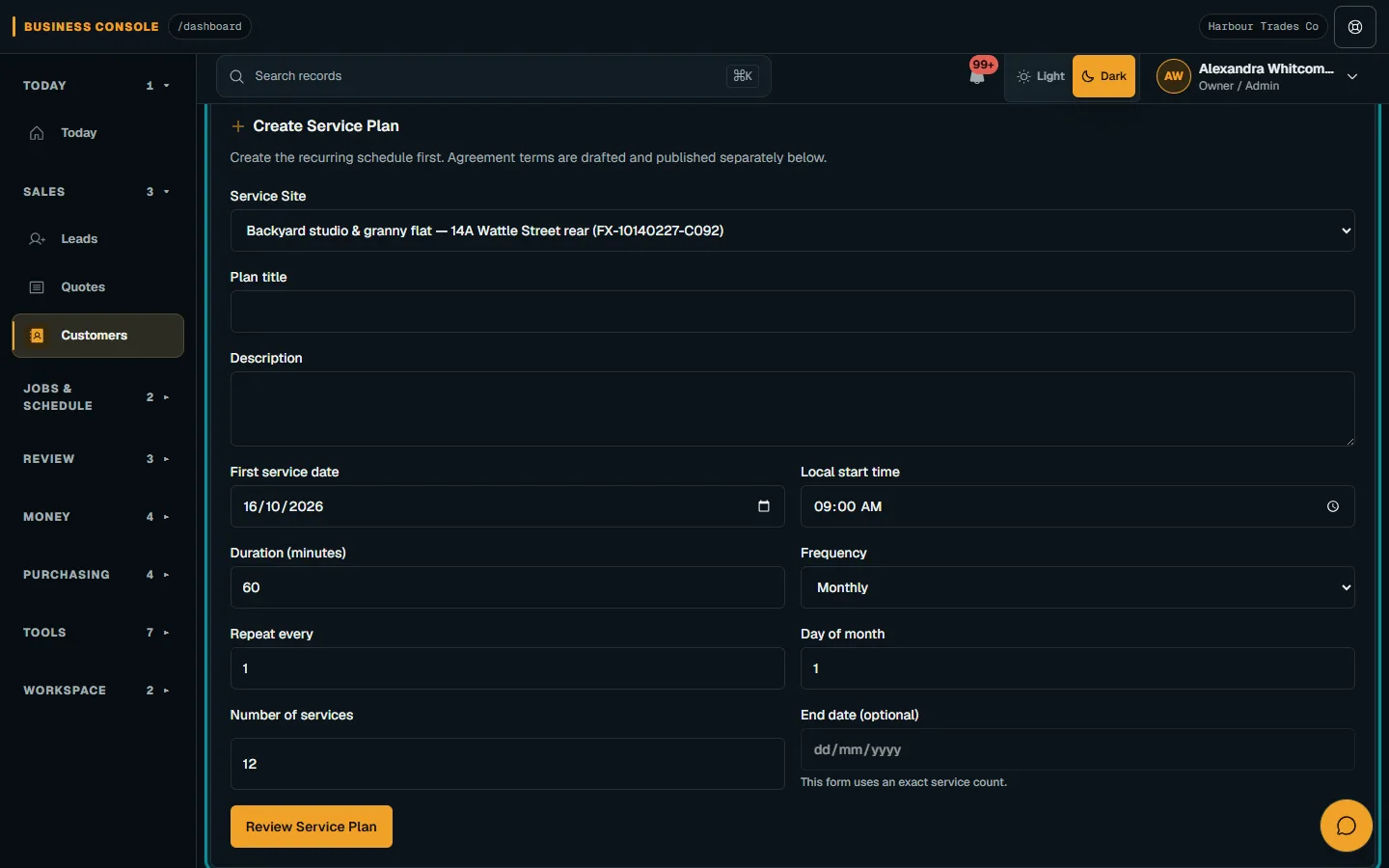
Nenvik's service plans and agreements organise repeat work; schedule each visit. Assignment forms, applied manually by staff, hold entered readings, and customer assets hold equipment details and service history. They do not create an automatic asset-to-form relationship. Feature access depends on plan and role.
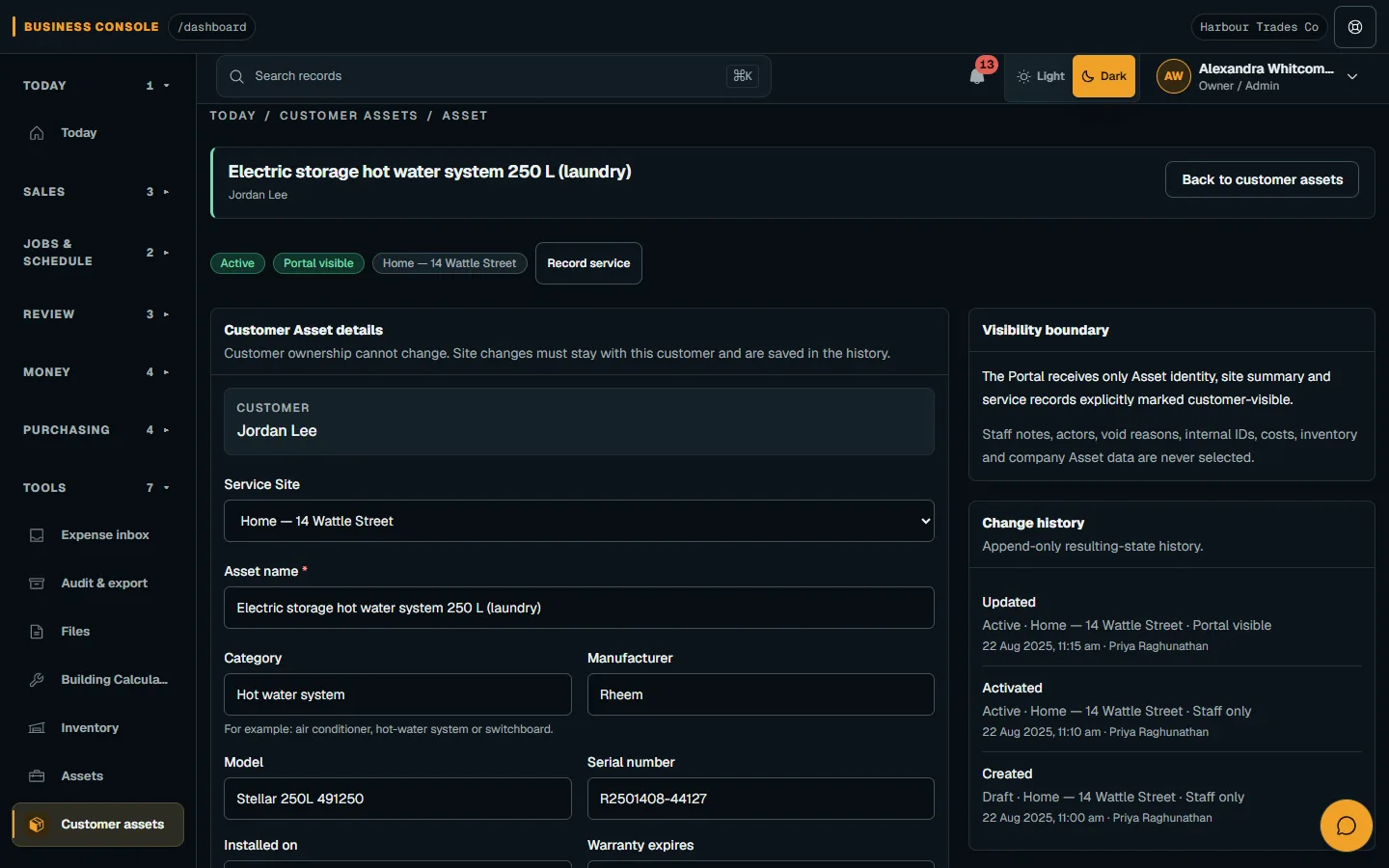
Choose customer visibility for eligible equipment and history entries. Authorised office staff can send On the way, Running late and Arrived email updates through the arrival communication workflow. These updates are email, and the worker's form remains an internal submission rather than an emailed customer report.
Common questions
How do I organise a pool service round?
Group sites by area, then check access windows and realistic visit durations. Allow for travel, recording work and unexpected faults. Review the actual day before setting the next round.
What should I record at each pool service visit?
Record the measured readings your process requires, observations, work completed and product quantities added. Identify equipment involved and any recommended follow-up. Enter today's findings rather than copying the previous visit.
Does Nenvik calculate pool chemical dosing?
No. Your technician makes treatment decisions using appropriate testing and product instructions. Nenvik records the readings and quantities entered by your team.
Can customers see their pool equipment history?
Nenvik lets authorised staff choose portal visibility for eligible customer assets and service-history summaries. Private staff notes remain excluded. Check the exact details you intend to share before enabling visibility.
More from the blog
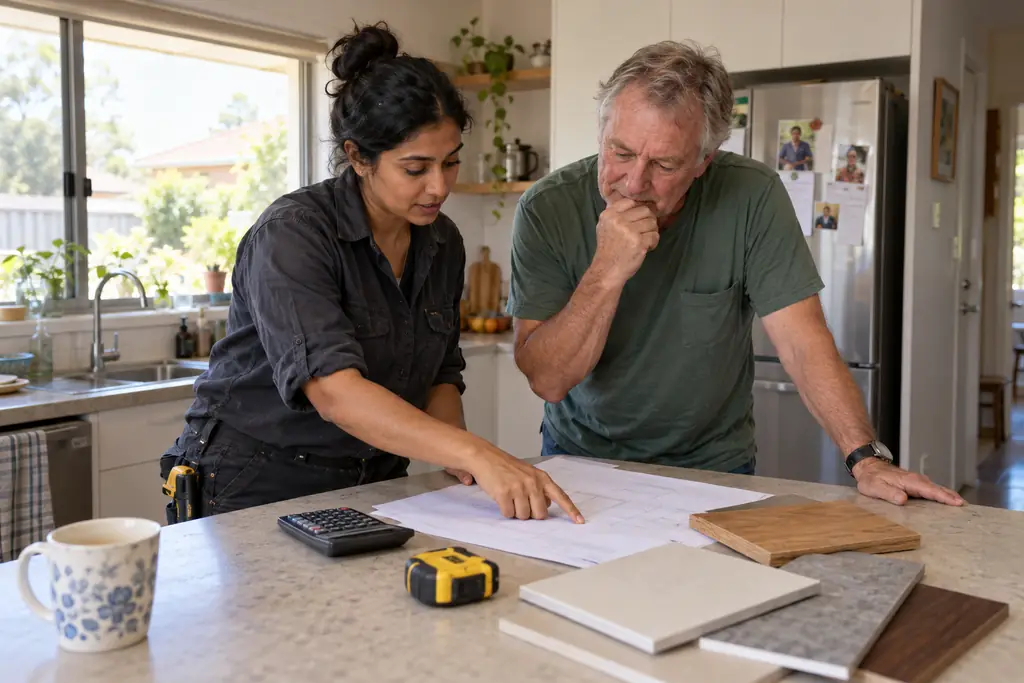 How to quote a price for a job: work out the cost before the totalA useful quote starts with what the work will cost your business. Build the price from labour, materials and overheads, then allow for risk and the profit you choose.Read article
  How to quote glass and glazing jobs from measure to fittingA glazing quote needs a reliable record of each opening before glass is ordered. Keep measurements, product decisions and fitting assumptions connected through to installation.Read article
  A practical landscaping and irrigation business workflowLandscape projects and maintenance rounds need different plans, but they rely on the same clear site records. Connect the assessment, quote, crew tasks and handover before work starts.Read article