
Choosing job management software: a practical buyer's checklist
Write down how your business works before comparing software. Then test the same job, people and costs in each option so the decision rests on evidence you can use.

Choosing job management software is easier when you know which part of the working week needs to improve. Perhaps the crew cannot find the latest scope, the office rebuilds invoices from messages, or repeat visits depend on one person's memory. Start with those practical problems. A long list of features is difficult to judge until you know who will use them and what a successful working day looks like.
If your search starts with ServiceM8 vs Tradify or a broader job management software comparison, use the same buyer's checklist for every candidate. The comparison overview and ServiceM8 vs Tradify page provide routes to sourced detail. Check the linked vendor sources for current terms and product information before making a decision, rather than treating a comparison heading as your answer.
Write your workflow before your shortlist
Take a recent job and list how it moved from enquiry to payment. Include the awkward parts: a revised quote, a customer question, a worker change or a missing material record. Name the person responsible at each step and the information they needed. This produces a test script that reflects your business rather than the order of screens in a demonstration.
- Capture the enquiry, customer, service address and site contact, then check who decides whether a site visit or quote is needed.
- Prepare and revise the quote, record the customer's decision and distinguish accepted scope from a deposit that has actually been paid.
- Schedule the job, assign the crew and make the current instructions available to the people doing the work.
- Record materials, time, photos and outstanding work, with a clear office review and a route for correcting incomplete records.
- Issue the invoice, record payment evidence and organise follow-up or the next visit without relying on a private reminder in someone's phone.
Separate essential requirements from occasional conveniences. If a missing capability would stop invoicing or prevent a worker from doing their job, label it essential and define what evidence will satisfy you. For an electrical services business, for example, test the actual field record and office review process. Do not assume a broad industry label proves the specific workflow is supported.
Model the total cost using your own numbers
Pricing models can charge per user, by job volume, through plan tiers or by a custom quote. Treat these as questions to investigate for each option, without assuming a particular vendor uses one model. Write down the number of office staff, owners and workers who need access, then test a normal month and a busier month. Include anyone who only uses the system occasionally.
Ask what counts as a billable user or job and whether seasonal changes alter the charge. Check the billing period, currency, GST inclusion and any minimum commitment. Compare totals on the same GST basis without turning the exercise into tax advice. A yearly amount and a monthly amount are not directly comparable until you account for their periods and the terms attached to each.
- Build the subscription lineRecord the base charge and the users, job volume or tier your business would need. Use current published information or a written quote, with a date beside it so the office can recheck the figures.
- Add the extrasAsk about optional modules, messaging, storage, onboarding, support and other add-ons relevant to your workflow. Include payment-provider costs where applicable rather than assuming every cost sits inside the software subscription.
- Model the changeEstimate setup time, training and any period of overlapping systems. Record whether data preparation or assistance costs extra and what you would do if the first planned start date slips.
- Compare complete periodsCalculate the total for the same operating period and staffing scenario. Keep one-off setup work separate from ongoing cost so you can see both the first-period burden and the normal running commitment.
Check inclusion, limits and permissions separately
A product mentioning a capability does not establish that it is included in the offer you are considering. Ask which plan or add-on provides it, what limits apply and what dependencies it has. Then check who may use it. A feature available to the owner may not be available to a worker, and a customer view may expose a deliberately smaller set of information.
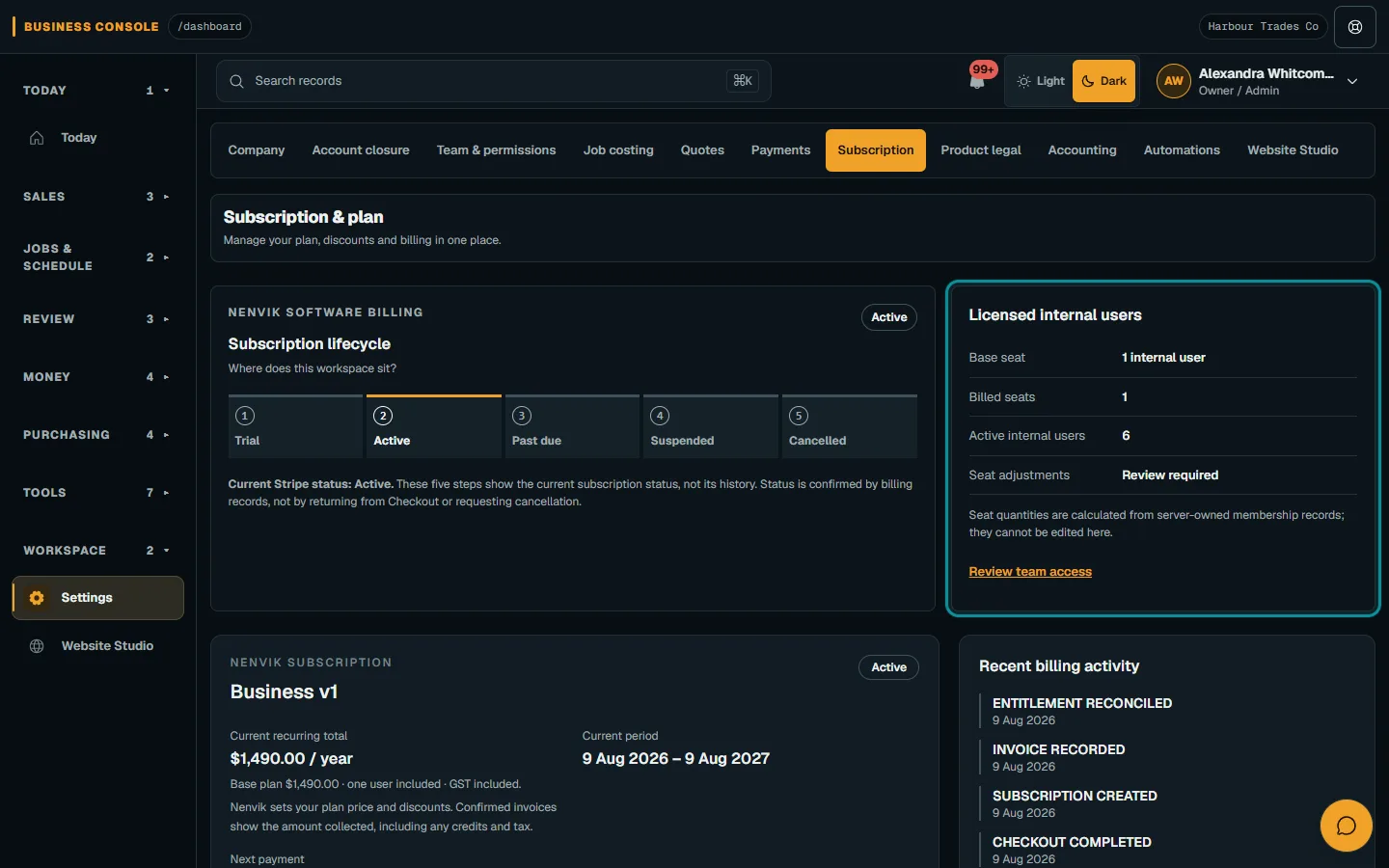
Record the answer beside each essential requirement with the evidence you checked. Useful labels are tested, documented, needs confirmation and unavailable. Keep future announcements separate from features you can use now. For Nenvik, pricing and billing help and the current pricing page are starting points; check the offered plan rather than assigning features to assumed tier names.
Let the crew test the phone workflow
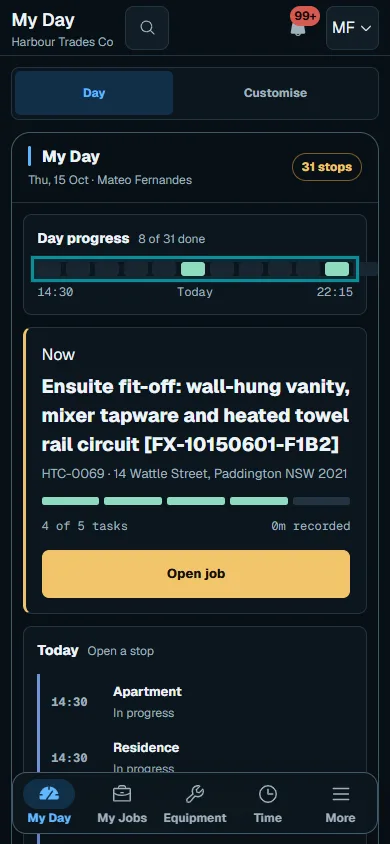
Have a worker find the day's job, confirm the site, read instructions and enter a useful work record on the phone they normally use. Check how they correct a mistake and find help. Ask about connection requirements and test the conditions that matter to your sites. Do not infer offline behaviour from the presence of an app icon or a mobile screenshot.
Give the office reviewer the resulting submission and see whether they can make the next decision. Count the places where somebody needs to retype information or ask for missing details. In Nenvik, the phone navigation guide explains role-based navigation. The demo below shows the worker view, but your own trial should establish whether the full task suits your crew.
Test the customer's side as well
Open the customer-facing quote and invoice on a phone. Can the intended recipient understand the scope, ask a question and find the next step? Check which job details and documents become visible and who controls that sharing. Use a test scenario with a revised scope rather than judging only a simple first quote. Read Nenvik's customer portal guide for its deliberately shared records.
If booking requests matter, test the exact approval sequence. Nenvik online booking holds a requested time while the team reviews it; it is not confirmed until approval. If you need customer reports, test that output specifically rather than treating an internal form or private evidence download as the same thing. Define the customer experience you need, then inspect the actual result.
Verify accounting connections and moving data
For accounting software connections, ask what data moves, in which direction, when it updates and who handles an error. Nenvik's accounting connections are Coming soon. If a live connection is essential on your start date, record that limitation in the decision rather than counting a future capability as available. The accounting availability guide explains the current boundary.
Inspect data export and moving data as two separate tasks. Ask what you can export, the format, included attachments and how you would read it later. Then confirm how existing customers, jobs and assets could enter the new system. Nenvik has no self-service data import or bulk customer-asset import. Discuss your exact data set and a supported approach with support before planning the move.
Use the trial and support conversation to resolve gaps
Set a small trial script with an owner, worker and office reviewer, using non-sensitive sample details you control. Complete a quote revision, schedule change, field submission and invoice review. Ask support a practical question and record the answer, response route and relevant support terms. Read planning the switch from paper for a staged introduction once the decision is made.
Use the vendor comparison pages as research routes: ServiceM8, Tradify, Fergus and Simpro. Follow their cited sources for current detail. Keep unresolved essentials visible and ask for written clarification. A trial is useful when it leaves you with tested answers and a realistic setup plan, rather than a collection of impressions from different demonstrations.
How Nenvik helps
Nenvik connects quotes, scheduled jobs, assignment evidence and invoices, with customer portal records deliberately shared by authorised staff. Assess those workflows against your checklist and confirm plan and role access. Keep its Coming soon accounting connections and the data import limits in the same evaluation. The right decision is the one your business can put into practice with the evidence gathered during the trial.
Common questions
How do I compare job management software fairly?
Test the same workflow, users and operating period for every option. Record essential requirements and whether each was tested or still needs confirmation. Use current vendor sources for feature, price and contract detail.
What should I include in the total software cost?
Include the subscription, relevant user or volume charges, add-ons and any setup costs. Check GST treatment, billing period and commitments so the totals are comparable. Also allow for your team's training and changeover time.
Does Nenvik connect to accounting software now?
Nenvik's accounting connections are Coming soon. Do not count them as available during a buying decision. If that connection is essential at launch, record the gap before choosing your start plan.
Can I import all my existing data into Nenvik myself?
Nenvik has no self-service data import and no bulk customer-asset import. Discuss the exact records and a supported approach with support before planning the move. Check exports from your existing system separately so you understand what information you can preserve.
What should I test during a software trial?
Run a job through quote revision, scheduling, worker evidence and office review. Inspect the customer's view and practise correcting a mistake. Ask support about any unresolved essential requirement before treating the trial as complete.
More from the blog
 How to quote a price for a job: work out the cost before the totalA useful quote starts with what the work will cost your business. Build the price from labour, materials and overheads, then allow for risk and the profit you choose.Read article
  How to quote glass and glazing jobs from measure to fittingA glazing quote needs a reliable record of each opening before glass is ordered. Keep measurements, product decisions and fitting assumptions connected through to installation.Read article
  A practical landscaping and irrigation business workflowLandscape projects and maintenance rounds need different plans, but they rely on the same clear site records. Connect the assessment, quote, crew tasks and handover before work starts.Read article